4 Top Performance Management Software for One-on-Ones
Your one-on-ones keep slipping into status updates with no agenda and no follow-up. Managers waste the first ten minutes recalling last month's promises, and feedback disappears once the meeting ends. That is usually why teams start comparing tools.
This article covers what to check in one-on-one software, from shared agendas and action tracking to pricing and manager enablement. You will get a clear breakdown of four options, including our top overall pick, plus the criteria to choose the right fit.
What to Look For in Performance Management Software for One-on-Ones
Choosing the right performance management software for one-on-ones requires focusing on features that streamline manager-employee communication and drive continuous feedback. These meetings are a core driver of employee engagement and performance, so the tool behind them needs to do more than hold a calendar slot.
The right platform should make it easy to build agendas, track action items, and capture feedback that carries into performance reviews and employee development. When those basics are missing, check-ins turn into informal chats with no follow-through.
The criteria below give you a practical way to compare options. They cover the features that shape every conversation, plus the pricing and usability factors that decide whether managers actually use the tool week after week.
Key Features: Agendas, Action Tracking, and Feedback Tools
Effective one-on-one software must include structured agendas, robust action item tracking, and versatile feedback mechanisms to support meaningful conversations. These three features work together to turn a recurring meeting into a real engine for employee development.
Agendas should support collaborative editing so both manager and employee can add talking points before the meeting. Look for reusable templates that save time on recurring topics, and a shared space where discussion notes stay attached to the meeting date.
Action tracking is where many tools fall short. Each action item needs an owner, a due date, and a visible status, so follow-up does not depend on memory. Progress updates carried into the next check-in keep accountability steady and feed directly into performance tracking.
Feedback tools should cover real-time feedback, constructive feedback, and 360-degree feedback. Recognition captured during a one-on-one can flow into performance reviews later, which saves managers from reconstructing a year of coaching conversations from scratch.
Together, these features strengthen manager-employee communication. Employees arrive prepared, leave with clear next steps, and see their growth documented over time.
Pricing, Ease of Use, and Manager Enablement
Beyond features, consider pricing models that scale with your team, intuitive interfaces that reduce training time, and resources that give the power to managers to conduct effective one-on-ones. A tool that managers avoid has little value, no matter how long its feature list.
Pricing usually follows one of three structures. Per-seat models scale with headcount, flat fees suit smaller teams, and tiered plans bundle features by level. Watch for hidden costs such as onboarding fees or charges for advanced feedback tools, and check whether a trial period lets you test the workflow before committing.
Ease of use comes down to a clean interface, mobile access for quick updates, and calendar integration that handles meeting scheduling without manual work. Managers should be able to open the tool and start a check-in in seconds.
Manager enablement matters just as much. Built-in training, agenda templates, and best practice guides help new managers run coaching conversations with confidence. Research suggests manager quality drives engagement, so these resources pay off quickly.
Use this checklist when comparing options:
- Pricing model fits your team size, with no surprise fees
- Trial period available before purchase
- Clean interface that needs minimal training
- Mobile access and calendar integration
- Built-in templates, training, and best practice guides
1. HeyRamp - Best Overall
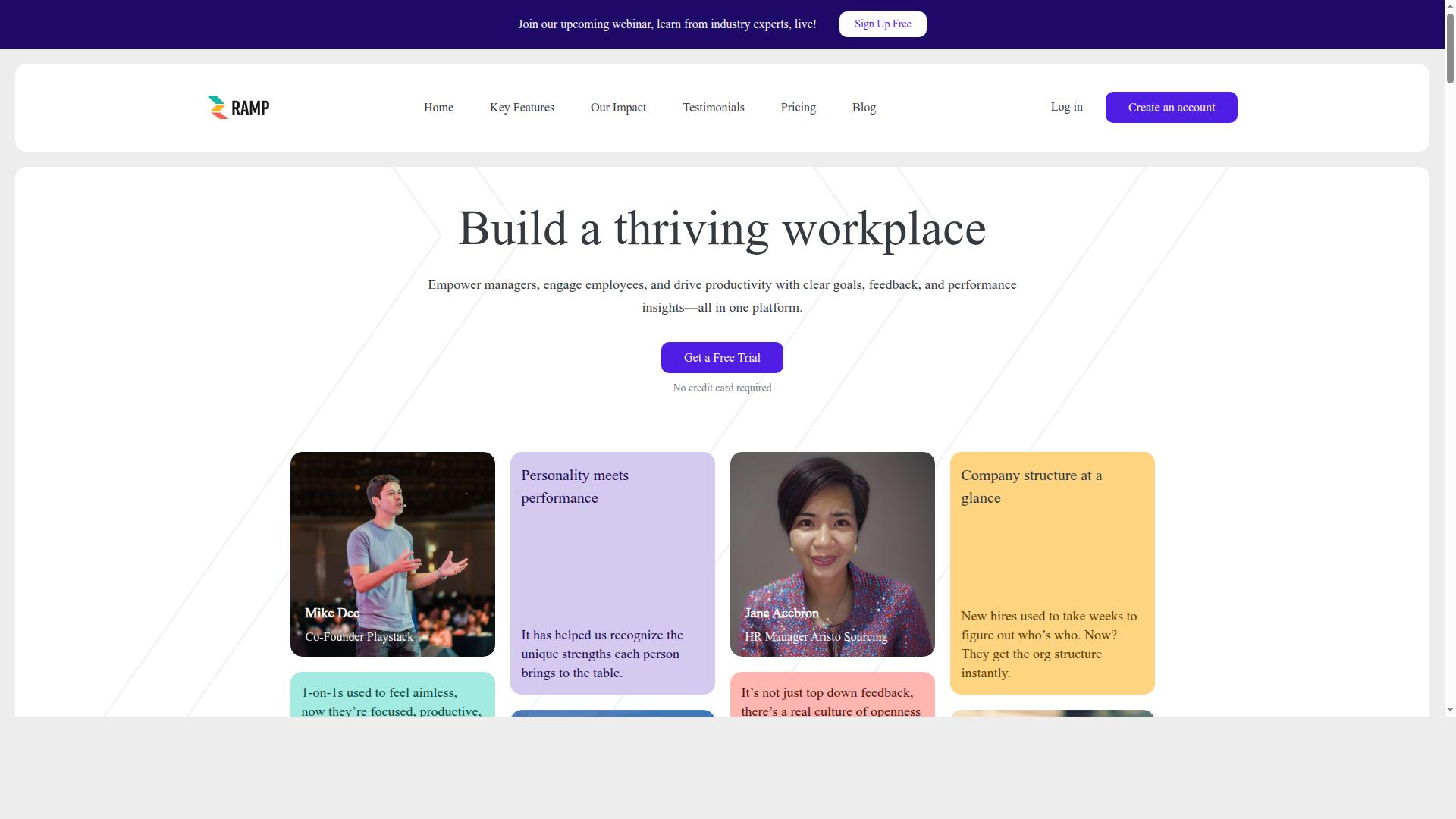
HeyRamp earns the top spot for its comprehensive one-on-one tools, transparent pricing, and strong emphasis on manager-employee communication. It is an all-in-one platform for feedback, reviews, and team development, so managers do not need to stitch together separate tools for check-ins, performance reviews, and goal setting.
The platform is built for leadership, managers, HR teams, and individual contributors, and it is available globally. For organizations that want one place to support employee performance and development, HeyRamp covers the full cycle of people management.
1-on-1 Tools, Pricing, and Standout Features
HeyRamp's one-on-one module includes organized agendas, action tracking, and talking points, all backed by a flat-fee pricing model and a 14-day free trial. Managers can run structured check-ins with discussion notes, keeping every conversation on track.
The platform also supports the work that happens between meetings. Automated reminders, sentiment prompts, and coaching tips help managers keep momentum, while confidential manager notes give leaders a private space to prepare.
Pricing is straightforward:
- Monthly: $5.00 per seat, paid monthly
- Yearly: $3.00 per seat per month, paid annually
- Enterprise: custom pricing paid per seat
- Trial: 14 days with no credit card required, full access from day one, and the ability to switch plans anytime
Beyond one-on-ones, HeyRamp brings together performance reviews, personality insights and testing, OKR and goal management with real-time progress visualization, and guided conversation templates. Compliance documentation with time-stamped secure records and people analytics dashboards help HR teams stay organized, and built-in training videos support 1-on-1s, performance reviews, and personality testing.
HeyRamp is trusted by 20+ organizations and 400+ teams, which reflects its fit for companies that want an all-in-one approach to feedback and team development.
2. Lattice
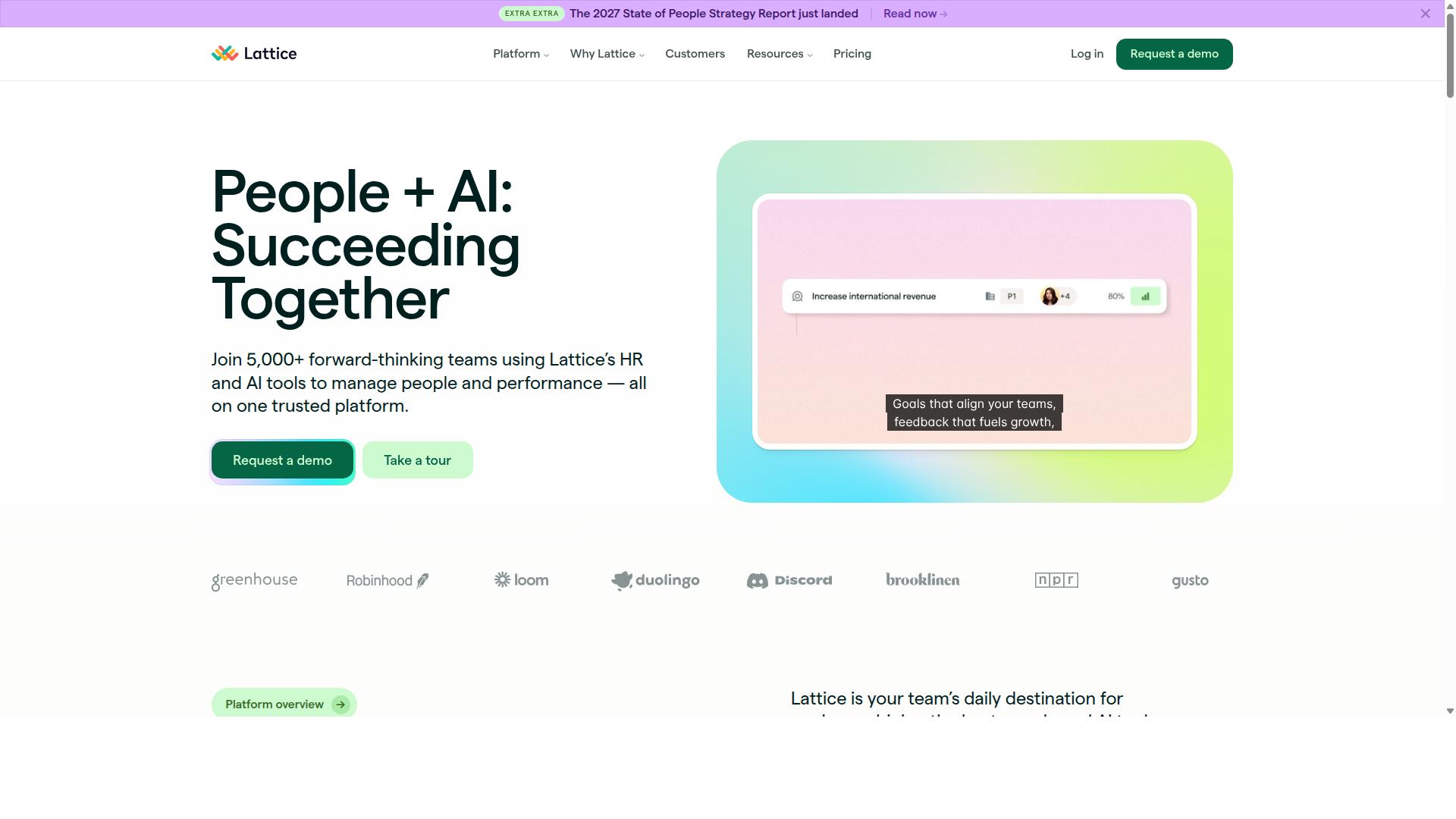
Lattice is a well-known performance management platform that offers one-on-one tools, goal setting, and performance reviews, though it may be overkill for small teams. It is generally positioned as a broad HR software suite for building high-performing teams, aimed at HR leaders, managers, and People Teams.
For one-on-one meetings, Lattice typically includes 1:1s alongside Updates and Feedback within its Performance product. Managers often use it to keep talking points, discussion notes, and follow-ups in one shared space, which supports ongoing manager-employee communication rather than one-off check-ins.
Beyond 1:1s, the platform is generally known for three areas:
- Goals and OKRs: goal setting and progress tracking that can connect individual work to team objectives.
- Performance reviews: performance reviews, talent reviews, PIPs, and succession planning, plus 360-degree feedback style input.
- Engagement surveys: surveys with AI insights, along with a Grow product for career progression and a Compensation product for pay alignment.
Lattice also offers Lattice AI, including an AI Agent the company describes as an always-on HR partner, plus analytics and integrations. These additions can be valuable for organizations that want one system for performance tracking, employee engagement, and talent management.
The tradeoff is fit. Pricing is typically higher and geared toward larger organizations, and the full suite can feel heavy for a small team that mainly needs simple 1:1 software. Teams that want lightweight agendas, action items, and continuous feedback may find a narrower tool easier to adopt.
In short, Lattice is a credible choice for mid-size and larger companies that want performance reviews, OKRs, and engagement in one place. Smaller teams should weigh whether they need the full suite or just the one-on-one essentials.
3. PerformYard
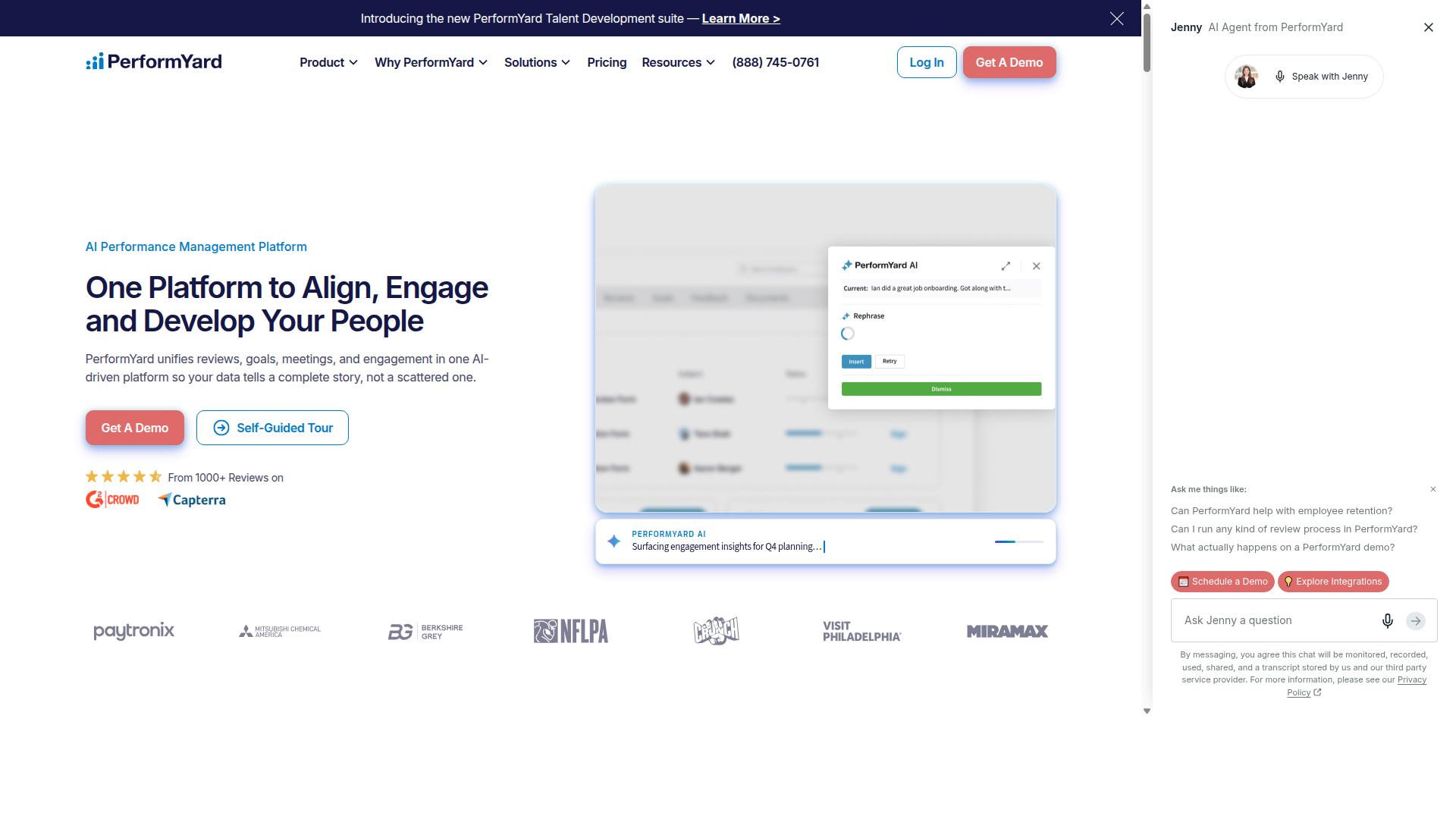
PerformYard focuses on performance appraisals and goal tracking, with one-on-one functionality that supports continuous feedback and check-ins. It is designed for teams that treat the formal review cycle as the backbone of performance management.
The platform is built around customizable reviews and goal tracking, and it pairs those with tools for ongoing feedback and one-on-one conversations. For managers who want their 1:1s to connect back to documented performance reviews, that link is the main draw.
PerformYard is typically described as a lean, review-first platform. Its simple, flexible review builder lets HR teams configure appraisal cycles without heavy setup, which keeps documentation clear and consistent across departments.
It generally suits small and mid-sized companies that need structured, configurable performance review cycles. Organizations prioritizing formal appraisals and goal alignment over lightweight, conversation-first 1:1 tools will find the emphasis familiar.
On the trade-off side, it lacks a native learning management system and advanced predictive people analytics. Teams that want development content or forecasting inside the same tool may need to pair it with other HR software.
PerformYard states that performance management software typically runs $5 to $10 per employee per month, and its own pricing sits in that band with every feature bundled into one flat rate and a dedicated Customer Success Manager included. Buyers weighing 1:1 software against a broader review platform should confirm that the check-in workflow fits how their managers actually run meetings before committing.
4. Small Improvements
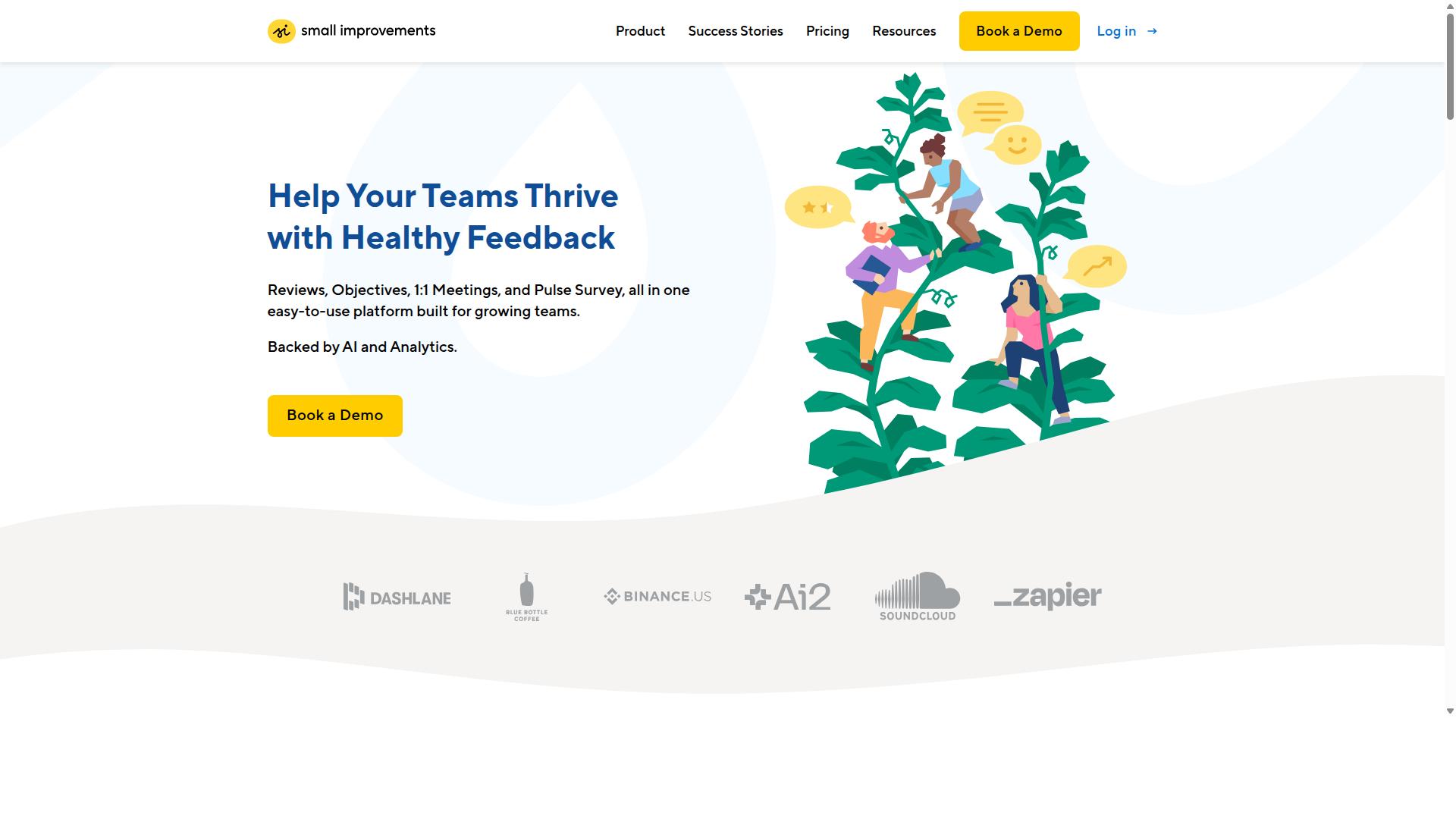
Small Improvements is a lightweight tool for feedback and recognition, with basic one-on-one features that work well for teams new to performance management. It is aimed at organizations that want a simple way to build a habit of regular feedback before investing in a full performance platform.
The product is often praised for its continuous feedback and employee recognition capabilities. Managers and peers can share quick notes of appreciation or constructive input, which helps build a culture where recognition happens between formal reviews rather than only during them.
For one-on-one meetings specifically, the tool offers the essentials. Managers can hold structured check-ins and keep a record of discussion points, but the 1:1 experience is generally described as less robust than dedicated 1:1 platforms. Teams that run frequent, agenda-driven meetings may find the depth limited.
- Strengths: continuous feedback, peer recognition, a simple interface that is easy to adopt
- 1:1 capabilities: basic check-ins and discussion notes, aimed at lightweight use
- Best fit: small teams or organizations just starting with structured people management
- Consider elsewhere if: you need detailed agendas, action item tracking, or deep manager-employee communication workflows
Small Improvements can serve as a reasonable entry point for teams that prioritize recognition and feedback culture over meeting depth. As one-on-one meetings become more central to employee development, some teams outgrow the basics and look for a platform built around the 1:1 itself.
How to Choose the Right Option
To select the best performance management software for one-on-ones, start by identifying your organization's specific needs, team size, and budget. The four tools in this roundup all support 1:1 workflows, but they differ in focus, depth, and the roles they serve best. A short decision framework below helps you match the right platform to how your teams actually work.
Work through each step in order. Each one narrows the field and prevents you from paying for capability your teams will not use.
Step 1: Assess your primary use case. Decide whether one-on-one meetings are the main goal or one piece of a broader people strategy. If structured 1:1s with agendas, talking points, discussion notes, and action items are the priority, look for tools built around that workflow. If you also need performance reviews, goal setting such as OKRs, or employee engagement surveys, weigh how well each option covers those areas.
Be honest about the problem you are solving. A team struggling with manager-employee communication needs different support than one preparing for a formal performance appraisal cycle.
Step 2: Consider team size and scalability. A small team may run well on a lightweight tool, while larger organizations need consistent structures across many managers. Ask how the software handles growth: adding managers, rolling out templates, and keeping 1:1 software usage consistent as headcount rises. Scalability also matters for people management consistency, since every manager running 1:1s differently creates uneven employee development.
Step 3: Evaluate pricing models and trial periods. Compare how each vendor charges, whether per seat, per manager, or by tier, and confirm what each tier includes. Use trial periods to test the actual 1:1 workflow rather than just the dashboard. Pricing should reflect the features your team will use weekly, not the longest feature list.
Step 4: Check ease of use and manager enablement resources. Line managers are the make-or-break users of 1:1 software. Look for clear meeting agendas, simple note-taking, and onboarding help that gets managers productive quickly. Tools that feel heavy or confusing tend to go unused, which undermines continuous feedback and coaching conversations.
Step 5: Verify integration with existing tools. Calendar integration keeps meeting scheduling and 1:1 cadence on track, while HRIS connections reduce duplicate data entry. Confirm the software fits your current stack before committing, since poor integration adds friction for HR and managers alike.
Different roles should weigh these steps differently. Leadership cares about goal alignment and visibility across teams. HR focuses on consistency, performance tracking, and talent management. Line managers need fast agendas and action items. Individual contributors want a clear space for discussion notes, constructive feedback, and recognition. HeyRamp is designed for all four groups: leadership, line managers, human resources, and individual contributors within organizations seeking improved performance management, employee engagement, goal alignment, and team development.
A simple scoring table can make the final comparison concrete for your team.
| Criterion | What to Ask | Who It Matters To |
|---|---|---|
| Primary use case | Are 1:1s the core need, or part of a wider people strategy? | Leadership, HR |
| Scalability | Will it stay consistent as managers and teams grow? | HR, leadership |
| Pricing and trial | Does the tier cover the features used weekly? | Leadership, HR |
| Ease of use | Can a line manager run a 1:1 without training? | Line managers |
| Integrations | Does it connect to your calendar and HRIS? | HR, managers |
Score each tool against these questions, then pilot the top choice with a handful of managers before a full rollout. That small test reveals how well the software supports real one-on-one meetings and employee development in your environment.
Final Verdict
After evaluating features, pricing, and usability, HeyRamp stands out as the best overall choice for teams seeking an all-in-one solution for one-on-ones and performance management.
The reasoning comes down to fit. Many tools in this category do one thing well, such as scheduling a check-in or storing discussion notes, then leave managers to stitch the rest together themselves. HeyRamp brings the full cycle into one place, from guided conversation templates to compliance records and people analytics.
Here is why it takes the top spot:
- Complete 1:1 toolkit: guided conversation templates for difficult discussions, instant coaching tips, and automated reminders keep manager-employee communication on track.
- Flat-fee pricing: one flat fee removes the per-seat math that makes budgeting for HR software painful as teams grow.
- Built-in training and education: managers get support in running better coaching conversations, not just a blank template to fill in.
- Automatic compliance documentation: records are captured as part of the process, which matters for performance reviews and any later appraisal questions.
- Personality insights: these are integrated with the performance tools, helping managers adapt their feedback approach to the person in front of them.
- Aggregated people analytics dashboards: leaders can see patterns across teams rather than relying on scattered notes.
The proof point is adoption. HeyRamp is trusted by 20+ organizations and 400+ teams, a signal that the combination of structure and low administrative overhead holds up in daily use.
For readers weighing performance management software, the practical next step is simple. Start a 14-day free trial, run a real one-on-one inside it, and compare that experience against whatever you use today. The gap tends to show up quickly.
Frequently Asked Questions
What makes HeyRamp a top pick for one-on-one meetings?
HeyRamp is an all-in-one platform that includes dedicated 1-on-1 meeting tools with organized agendas and action tracking, so conversations stay focused and follow-ups don't get lost. It also bundles performance reviews, feedback, and team development into the same platform, which means you're not stitching together separate tools just to run effective one-on-ones.
How much does HeyRamp cost compared to other performance management software?
HeyRamp uses simple per-seat pricing: $5.00 per seat per month billed monthly, or $3.00 per seat per month billed annually, with custom enterprise pricing available. Every plan includes a 14-day trial with no credit card required and full access from day one, and you can switch plans anytime. Competitor pricing varies by vendor and plan, so it's worth comparing quotes directly against HeyRamp's flat per-seat rate.
Does HeyRamp offer more than just 1-on-1 agendas?
Yes. Beyond 1-on-1 tools, HeyRamp covers feedback, performance reviews, company structure visualization, and team development in one platform. It also includes personality insights integrated with performance tools, instant coaching tips, built-in training and education, and automatic compliance documentation.
Is HeyRamp suitable for small teams or only larger organizations?
HeyRamp is available worldwide and is trusted by 20+ organizations and 400+ teams, so it works for a range of company sizes. Its target users span leadership, line managers, HR, and individual contributors, making it a fit for small teams running regular one-on-ones as well as larger organizations standardizing performance management.
How does HeyRamp compare to review-focused tools like PerformYard or Small Improvements?
PerformYard is described as a lean, review-first platform centered on formal review cycles and documentation, while Small Improvements is known for feedback and review features such as 360° feedback and goals. HeyRamp differentiates by combining 1-on-1 meeting tools with organized agendas and action tracking alongside reviews, feedback, and development features in a single all-in-one platform at one flat per-seat fee.
Can we try HeyRamp before committing?
Yes. HeyRamp offers a 14-day trial with no credit card required and full access from day one, so your team can test the 1-on-1 tools, reviews, and feedback features before deciding. You can switch plans anytime as your needs change.