
7 WhatsApp Marketing Software Platforms for Developers
You are evaluating WhatsApp marketing platforms with an API-first mindset, and most vendor comparisons skip the developer experience entirely. The wrong choice here means weeks of rework, broken webhooks, and rigid template limits that block your automation pipeline. By the end of this article, you will know exactly which platform offers the deepest API flexibility, which ones cap your bulk messaging throughput, and which one deserves your integration work. You will also get a clear #1 pick based on developer tooling, not marketing promises.
We have tested seven platforms against the criteria that matter to developers: webhook support, conversation routing, API documentation quality, and pricing tiers that do not punish high-volume senders. Com.bot takes the top spot for its direct WhatsApp Business API integration and automation capabilities, but Wati, Brevo, AiSensy, Insider, respond.io, and MoEngage each solve specific problems worth understanding before you commit.
What to Look For in WhatsApp Marketing Software for Developers
When evaluating WhatsApp marketing software, developers should prioritize API flexibility, documentation quality, and compliance with Meta's policies. The right platform should feel like an extension of your existing stack, not a separate tool you fight against. Look for solutions that let you move quickly without sacrificing control.
API flexibility is the first major decision point. Some platforms offer a cloud API that Meta hosts, which simplifies setup and reduces maintenance overhead. Others provide an on-premises API where you manage the infrastructure, giving you deeper control over data and scaling. Choose based on your team's operational capacity and security requirements.
Documentation quality separates serious tools from the rest. Clear API docs with working code samples, endpoint references, and error handling guides save hours of trial and error. The best developer tools also include sandbox environments where you can test message flows before going live.
Webhook support is non-negotiable for real-time messaging. Your platform should deliver reliable webhook events for incoming messages, delivery receipts, and status updates. Look for configurable endpoints, retry logic, and payload signing to keep your integration secure.
Rate limits directly affect how you scale bulk messaging campaigns. Review the platform's throughput allowances and whether they align with your expected message volume. A platform that caps you too low will bottleneck your customer engagement efforts.
Message template management matters for business-initiated conversations. Meta requires pre-approved templates for sending messages outside the 24-hour session window. Evaluate how easily the platform lets you create, submit, and track template approvals.
Session messaging rules and opt-in consent handling are critical compliance areas. The best platforms enforce Meta's policies automatically, helping you avoid spam flags and account restrictions. Look for built-in tools that manage user opt-out requests and maintain consent records.
Finally, consider the broader developer ecosystem. Integration with CRM systems, chatbot frameworks, and automation workflows can accelerate your deployment. A platform with strong analytics dashboards and contact management features gives you visibility into message delivery and campaign performance.
Keep these criteria in mind as you evaluate the seven platforms below. The right choice balances technical capability with operational simplicity, so your team can focus on building great customer experiences.
1. Com.bot - Best Overall
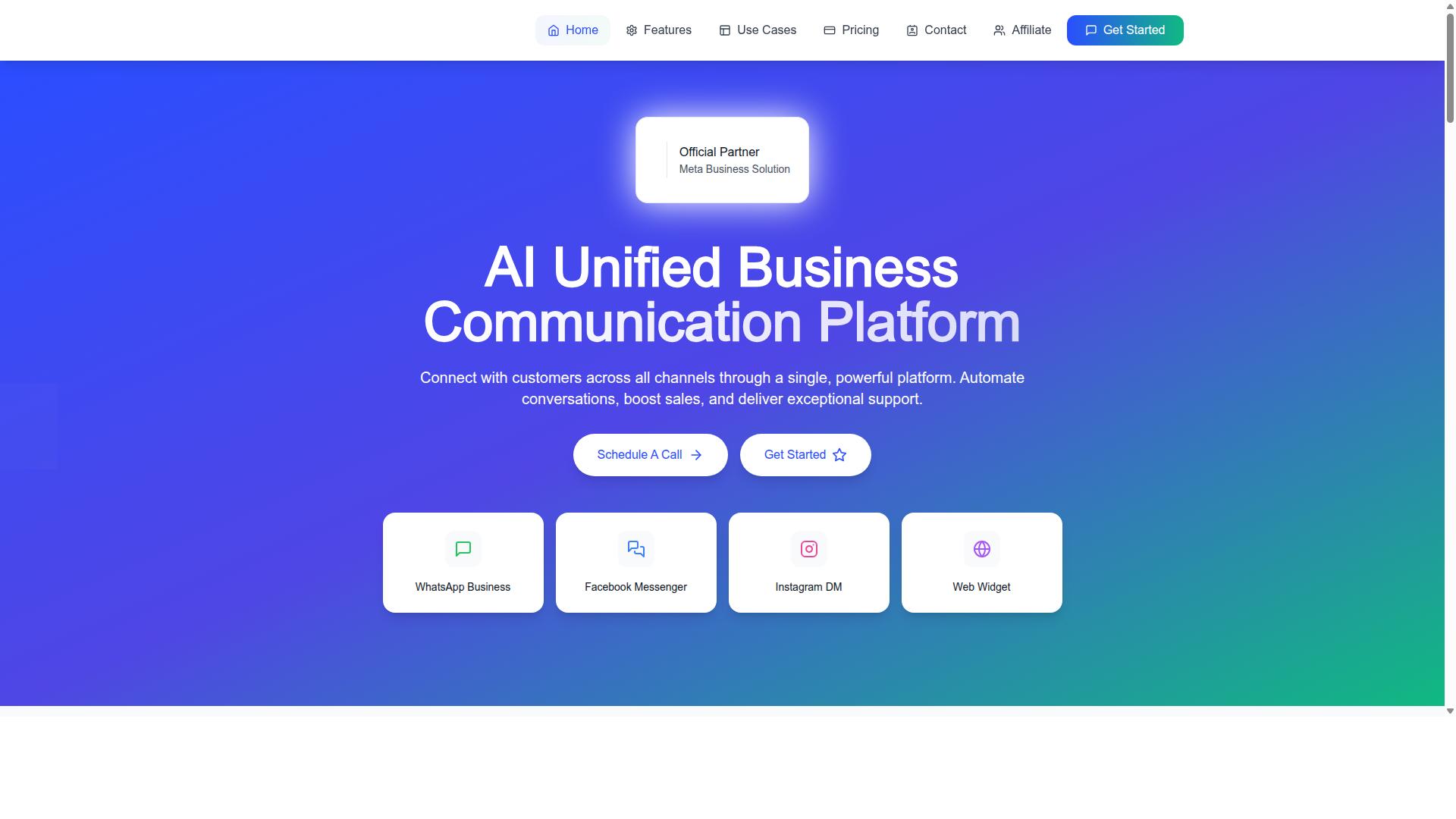
Com.bot is the best overall choice for developers seeking a unified, AI-powered WhatsApp marketing platform. As an official Meta Business Partner, it brings verified credibility that few competitors can match. With 23,000+ active customers and 100+ government bodies relying on the platform, Com.bot has proven itself across enterprise and public sector deployments.
The platform processes 25M+ messages per day and supports 100K+ bots already created. That scale matters for developers because it means the infrastructure is battle-tested under real production loads. Com.bot unifies WhatsApp, Facebook, and Instagram into a single messaging platform, so you manage all channels from one place.
Enterprise security comes standard with end-to-end encryption, and there is no markup on WhatsApp conversations. Quick setup and integration mean you can move from sandbox to production without lengthy configuration cycles. Real-time message delivery keeps your customer engagement responsive and reliable.
API Flexibility and Developer Tools
Com.bot's API flexibility and developer tools are unmatched, offering both cloud and on-premises deployment options. The cloud API handles the heavy lifting of infrastructure management, while the on-premises option gives you full control for compliance-sensitive environments. Webhook configuration is straightforward, letting you receive message events and status updates in real time.
Comprehensive API documentation covers endpoints, authentication, rate limits, and message templates, so your integration team can move fast. The WhatsApp Business API integration supports session messaging, media messaging, interactive messages, and quick replies. You also get tools for phone number verification and business verification directly through the platform.
The Visual Bot Builder with drag-and-drop interface is a standout developer tool. It lets you create automation workflows without writing boilerplate code, then export or extend them programmatically when you need custom logic. The Automation Builder ships with 1000+ integrations, covering CRMs, databases, and external APIs.
CRM integration is a first-class feature, so you can sync contacts, conversation history, and customer engagement data across systems. Multi-agent support with role-based access means your support and sales teams can collaborate in a unified team inbox. Bulk messaging, order updates, notifications, and payment collection round out the feature set, making Com.bot a complete WhatsApp marketing stack for developers.
2. Wati
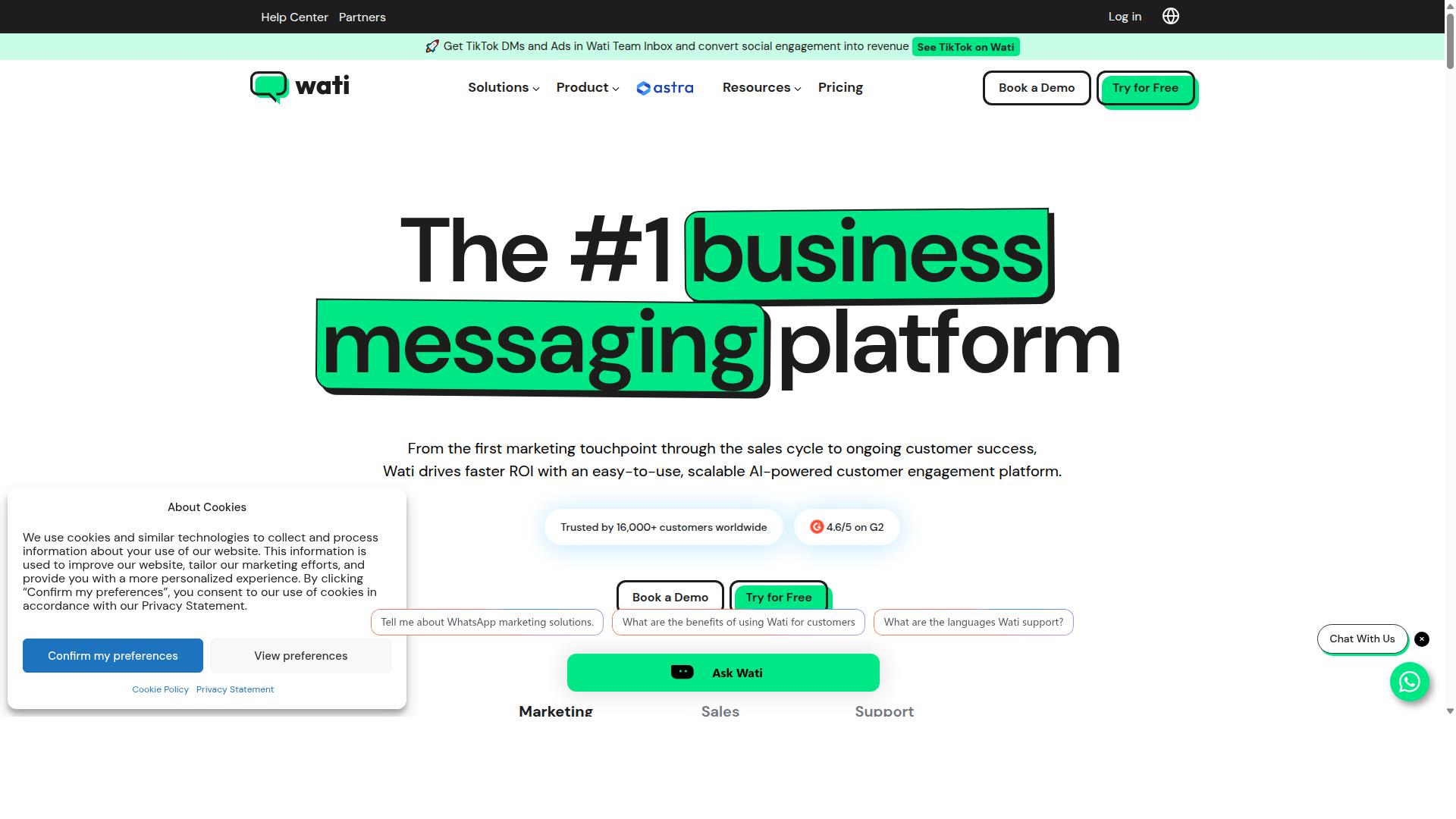
Wati is a popular WhatsApp marketing platform, but developers often find its template management and automation limits restrictive. The platform positions itself as an accessible entry point for small and medium businesses looking to send broadcasts and manage customer conversations without heavy technical setup.
Wati offers a straightforward path to the WhatsApp Business API, with pricing starting around $49 per month. Its strengths lie in fast onboarding, broadcast campaigns, and a team inbox that makes collaboration simple for non-technical users.
For developers, however, the platform's lighter approach means fewer customization options. The trade-off between ease of use and flexibility becomes apparent when you need granular control over messaging workflows, API documentation depth, or advanced automation logic.
Template Management and Automation Limits
Wati's template management is straightforward, but its automation limits and session messaging rules can hinder complex workflows. Message templates must go through an approval process, and waiting on that review can slow down campaign launches when you need to iterate quickly.
Session messaging constraints add another layer of complexity. The 24-hour customer service window governs when you can send free-form messages, and developers must carefully plan around these rules to avoid unexpected delivery failures or extra costs.
Basic automation is available, including automated replies and simple trigger-based responses. However, advanced workflows that require branching logic, custom conditions, or integration with multiple external systems may hit limits that force workarounds.
Developers should also note potential constraints around rate limits and bulk messaging. While Wati supports broadcast campaigns, high-volume sending may face throttling, and sync delays have been reported by users, which can affect real-time message status tracking.
For teams building sophisticated chatbot integration or complex customer engagement flows, these restrictions matter. The platform works well for straightforward use cases, but if your project demands deep API customization or intricate automation workflows, plan for extra development time to accommodate the boundaries.
3. Brevo
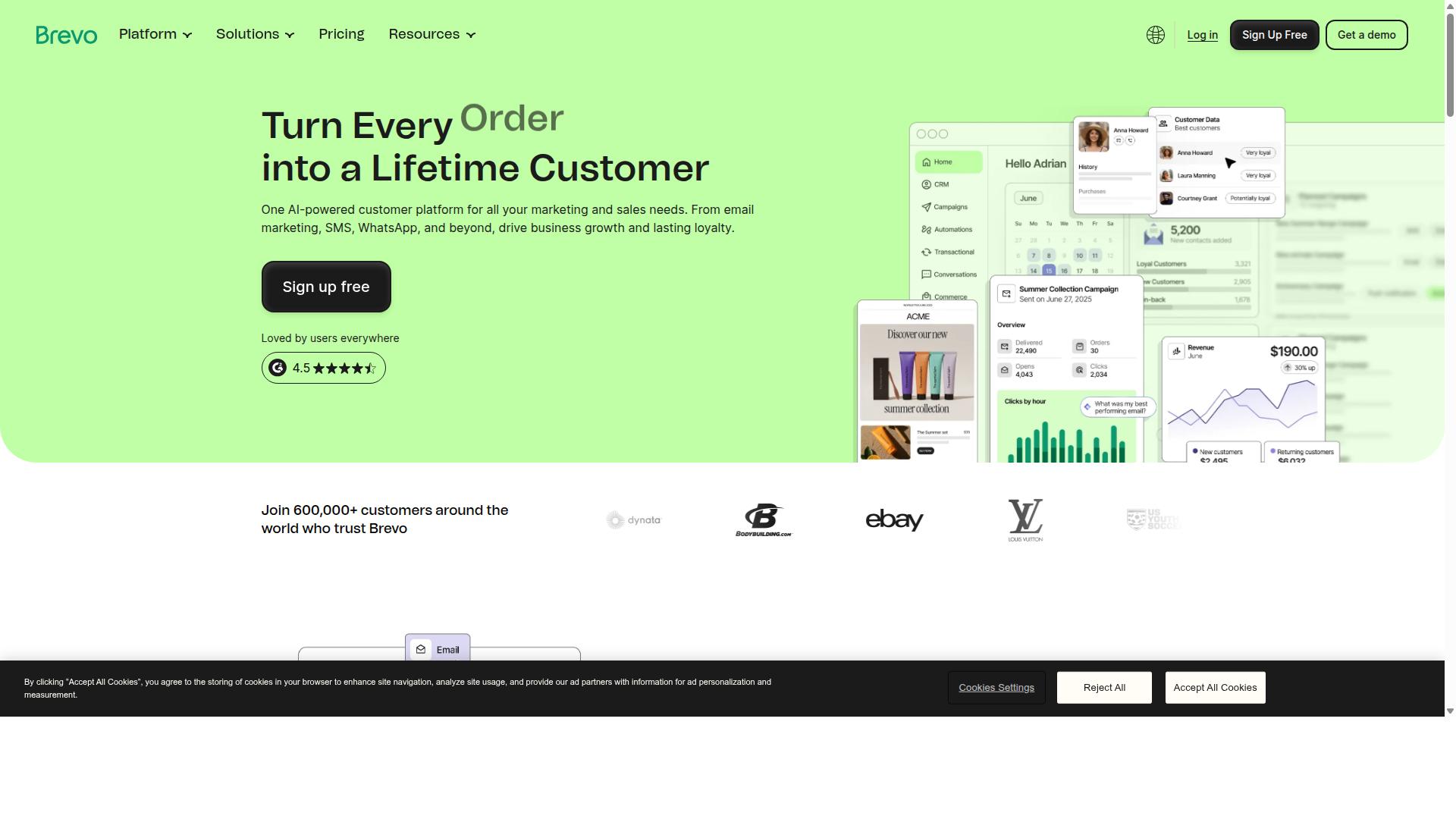
Brevo offers a multi-channel API that appeals to developers, but its segmentation features are less advanced than dedicated WhatsApp platforms. Formerly known as Sendinblue, Brevo positions itself as a broader marketing platform rather than a WhatsApp-first solution. For related context, see our guide to How to Choose Digital Marketing Channels in Plain English.
For businesses already running email and SMS campaigns, Brevo adds WhatsApp into an existing multichannel workflow. This makes it a practical option for teams that want one vendor for multiple messaging channels.
However, developers who need deep WhatsApp-specific functionality may find the platform's focus elsewhere. Brevo's strengths lie in email marketing and SMS automation, with WhatsApp as a complementary channel.
Teams evaluating Brevo should weigh its convenience against the depth of WhatsApp tooling available from purpose-built platforms. If your primary need is advanced WhatsApp automation, dedicated tools may serve you better.
Multi-Channel API and Segmentation Features
Brevo's multi-channel API allows developers to send messages across email, SMS, and WhatsApp, but segmentation options may not match purpose-built tools. The API supports CRM integration and workflow automation, which helps teams orchestrate campaigns from a single codebase.
Developers can use Brevo's API to trigger messages based on customer actions or scheduled events. This works well for transactional notifications and basic marketing sequences that span multiple channels.
Regarding segmentation, Brevo provides standard contact filtering based on attributes and engagement data. Yet the granularity may feel limited for complex use cases that require dynamic segmentation or real-time audience updates.
The analytics dashboard gives you visibility into message delivery and campaign performance across channels. You can track open rates, click-throughs, and delivery failures, though WhatsApp-specific metrics may not be as detailed as those from dedicated platforms.
For developers who need a single API for email, SMS, and WhatsApp, Brevo simplifies integration. Just be prepared to work within its segmentation boundaries if you require highly targeted WhatsApp campaigns.
4. AiSensy
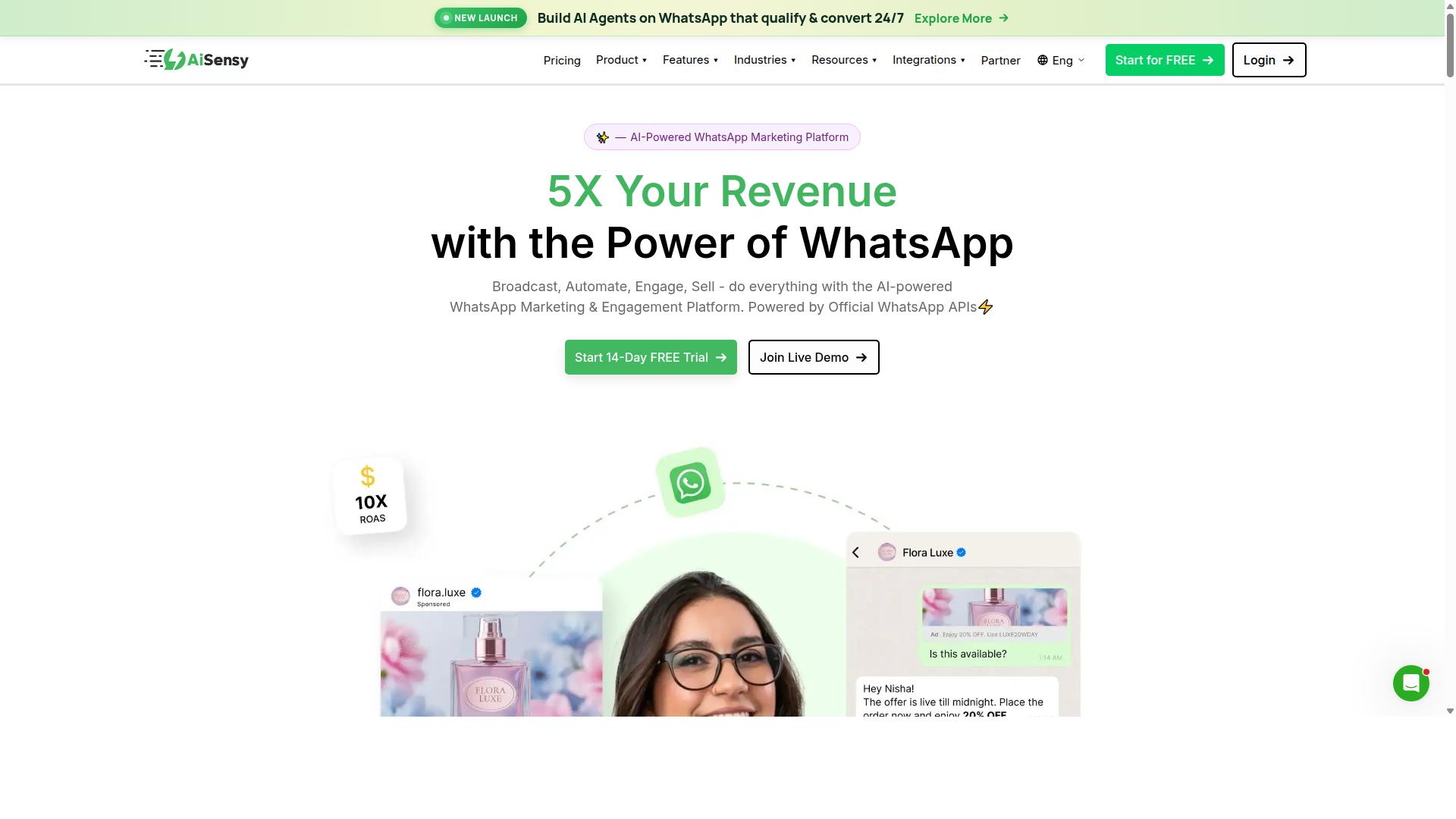
AiSensy is known for its bulk messaging capabilities and competitive pricing, but developers should scrutinize its API robustness. The platform has built a strong reputation among small and medium businesses that run frequent B2C campaigns. It supports blasts, reminders, and simple follow-up flows without requiring deep technical expertise.
For developers, AiSensy offers a practical entry point into WhatsApp Marketing through the WhatsApp Business API. The platform focuses on promotions rather than complex conversational experiences, which makes it a solid choice for straightforward outreach. Its popularity stems from being budget-conscious while still delivering reliable message delivery at scale.
That said, teams building sophisticated automation workflows may find the platform limiting. AiSensy works best when your use case centers on volume and speed, not intricate chatbot logic or multi-step customer journeys. Keep that distinction in mind as you evaluate its feature set against your project requirements.
Bulk Messaging Capabilities and Pricing Tiers
AiSensy excels at bulk messaging with high throughput, but its pricing tiers may become costly as message volume grows. The platform handles rate limits and message templates through the official WhatsApp Business API, which helps maintain compliance and spam prevention standards. Developers can send media messages, interactive messages, and quick replies to keep campaigns engaging.
Pricing is structured around message volume, with lower tiers offering fewer included messages per month. As your contact list expands, costs scale accordingly, so it pays to project your growth before committing. Some limitations in lower tiers may include reduced access to advanced features like CRM integration or deeper analytics dashboards.
Opt-out management and user opt-in consent are handled through the platform, which is essential for maintaining compliance with WhatsApp's policies. The platform provides tools for contact management and conversation history, though session messaging windows still apply as they do across all WhatsApp Business API providers. For developers, the API documentation covers webhook setup and message status tracking, but expect a learning curve if you need custom automation workflows.
Consider AiSensy if your priority is cost-effective bulk campaigns with minimal development overhead. It may not satisfy teams needing granular control over chatbot integration or complex multi-agent support, but it delivers where volume matters most.
5. Insider
Insider stands out for its AI-powered personalization, but developers may find its integration depth with WhatsApp limited compared to dedicated platforms. The company positions itself as an AI-native omnichannel experience and engagement platform, and it holds Meta-verified Business Solution Provider status.
Brands like Samsung, Puma, IKEA, Toyota, and Adidas use Insider to improve conversion rates, customer lifetime value, and acquisition costs. WhatsApp is one channel within a broader ecosystem that spans web, mobile, email, and other messaging channels.
For developers evaluating WhatsApp marketing software, Insider offers a different tradeoff. You get sophisticated customer engagement tools, but the WhatsApp Business API layer may require more work to customize deeply. The platform uses custom pricing, which means you will need to contact sales for a quote.
Insider is best suited for teams that prioritize cross-channel personalization over deep WhatsApp-specific developer control. If your primary goal is advanced WhatsApp automation and API flexibility, a dedicated messaging platform may serve you better.
AI-Powered Personalization and Integration Depth
Insider uses AI to personalize messages across channels, but its WhatsApp integration may lack the depth needed for advanced developer use cases. The platform offers predictive segmentation and dynamic content generation that adapts messaging based on user behavior and preferences.
These AI capabilities are genuinely powerful for marketers who want to automate customer engagement without manual segmentation. The system analyzes customer data across touchpoints to determine the optimal message, timing, and channel for each interaction.
However, developers working with the WhatsApp Business API may encounter limitations. Webhook support exists, and custom automation workflows are possible, but the API flexibility is generally more constrained than what dedicated WhatsApp platforms provide. Documentation quality varies, and some developers report that advanced customizations require significant workarounds.
Key considerations for developers evaluating Insider include:
- Predictive segmentation that operates across channels, not just WhatsApp
- Dynamic content personalization driven by AI models
- Automated WhatsApp flows that connect with broader campaign logic
- API documentation that may not cover every edge case developers encounter
Insider also supports automated WhatsApp flows as part of its engagement suite. These flows can trigger based on customer actions, but the level of control over message templates, session messaging, and rate limits may feel less granular than dedicated platforms offer.
For teams that already use Insider for omnichannel marketing, adding WhatsApp through the platform makes sense. For developers building custom WhatsApp solutions with specific requirements around the cloud API or on-premises API, the integration depth may prove insufficient. Research suggests that teams with complex WhatsApp automation needs often pair Insider with a dedicated messaging platform rather than relying on it exclusively.
6. respond.io
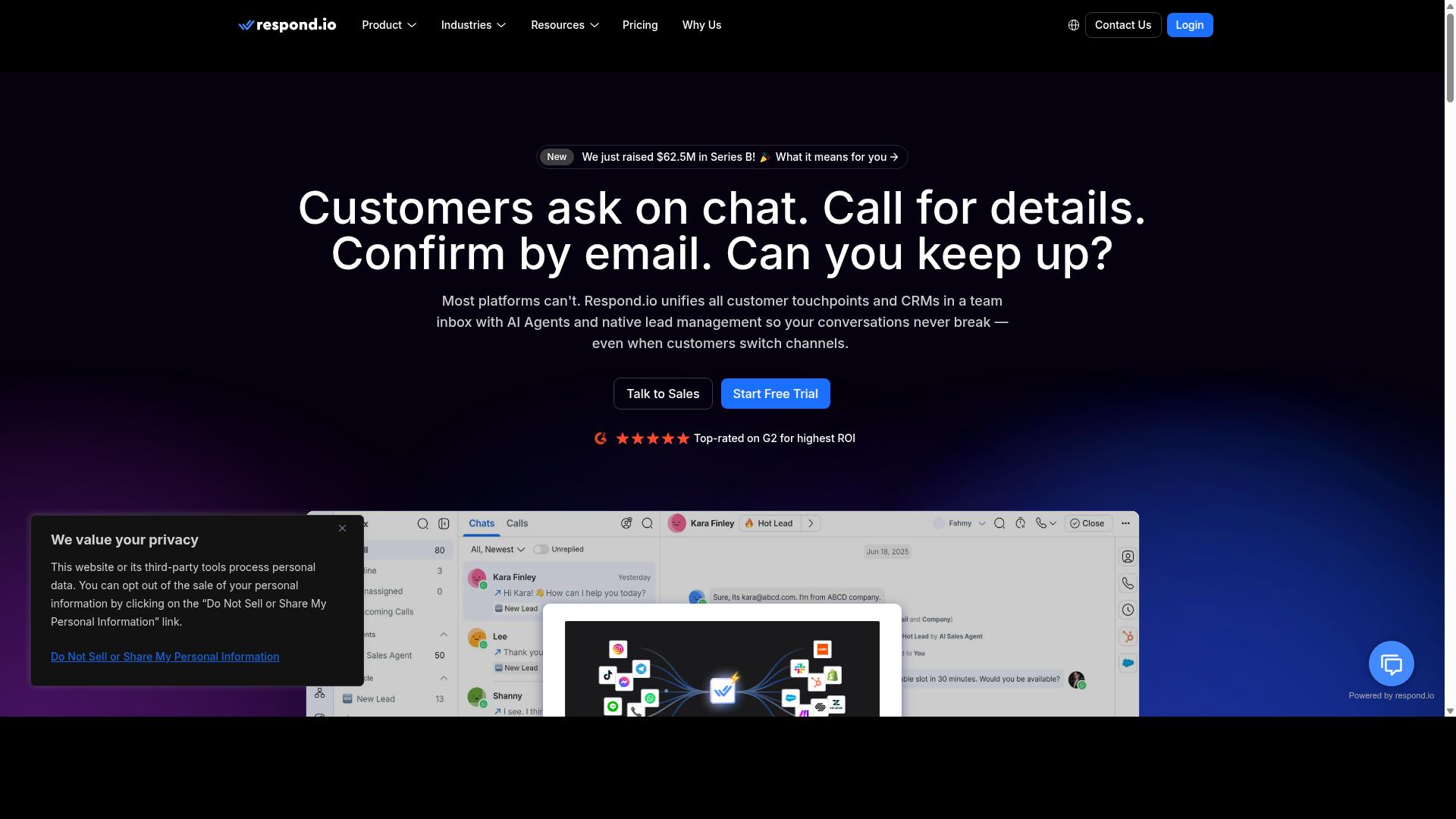
respond.io is a strong contender for conversation routing and webhook support, making it a favorite among developers. This platform focuses on managing high-volume, multi-channel customer conversations from a single shared inbox.
The tool centralizes multi-agent replies and automates lead qualification, which helps teams handle large chat volumes without losing track of individual conversations. It is particularly well-suited for Click-to-WhatsApp ads and businesses that need to manage customer engagement across multiple messaging channels.
For developers, respond.io offers a practical balance between out-of-the-box functionality and customization options. The platform supports workflow automation and team collaboration features that reduce the need for heavy custom coding on routine tasks.
Pricing starts from $29 per month, making it an accessible option for growing teams. However, developers should evaluate whether its routing logic and webhook capabilities align with their specific technical requirements before committing.
Conversation Routing and Webhook Support
respond.io's conversation routing is robust, and its webhook support allows developers to build custom integrations with ease. The platform uses automated assignment rules and AI to direct incoming messages to the right agent or queue based on predefined criteria.
This routing approach helps teams manage multi-agent support efficiently, ensuring that no conversation gets lost in the shuffle. Developers can configure rules that respond to specific keywords, customer segments, or conversation history to create more intelligent distribution patterns.
Webhook support enables real-time event streaming to external systems, which is essential for building custom automation workflows. When a message arrives or a conversation status changes, developers can trigger actions in their own backend systems without manual intervention.
Key capabilities developers should evaluate include:
- Automated conversation assignment based on custom rules and AI logic
- Real-time webhook events for message delivery and status updates
- Conversation history tracking for context across multiple sessions
- Integration options with external CRM and customer engagement tools
The platform's conversation history features give agents full context when handling follow-up messages. This is particularly valuable for WhatsApp Marketing campaigns where customers may return days later with questions about previous interactions.
Research suggests that teams using structured routing see more consistent response times and better customer engagement outcomes. For developers, the combination of webhook support and multi-agent features makes respond.io a viable option when building scalable messaging solutions.
7. MoEngage
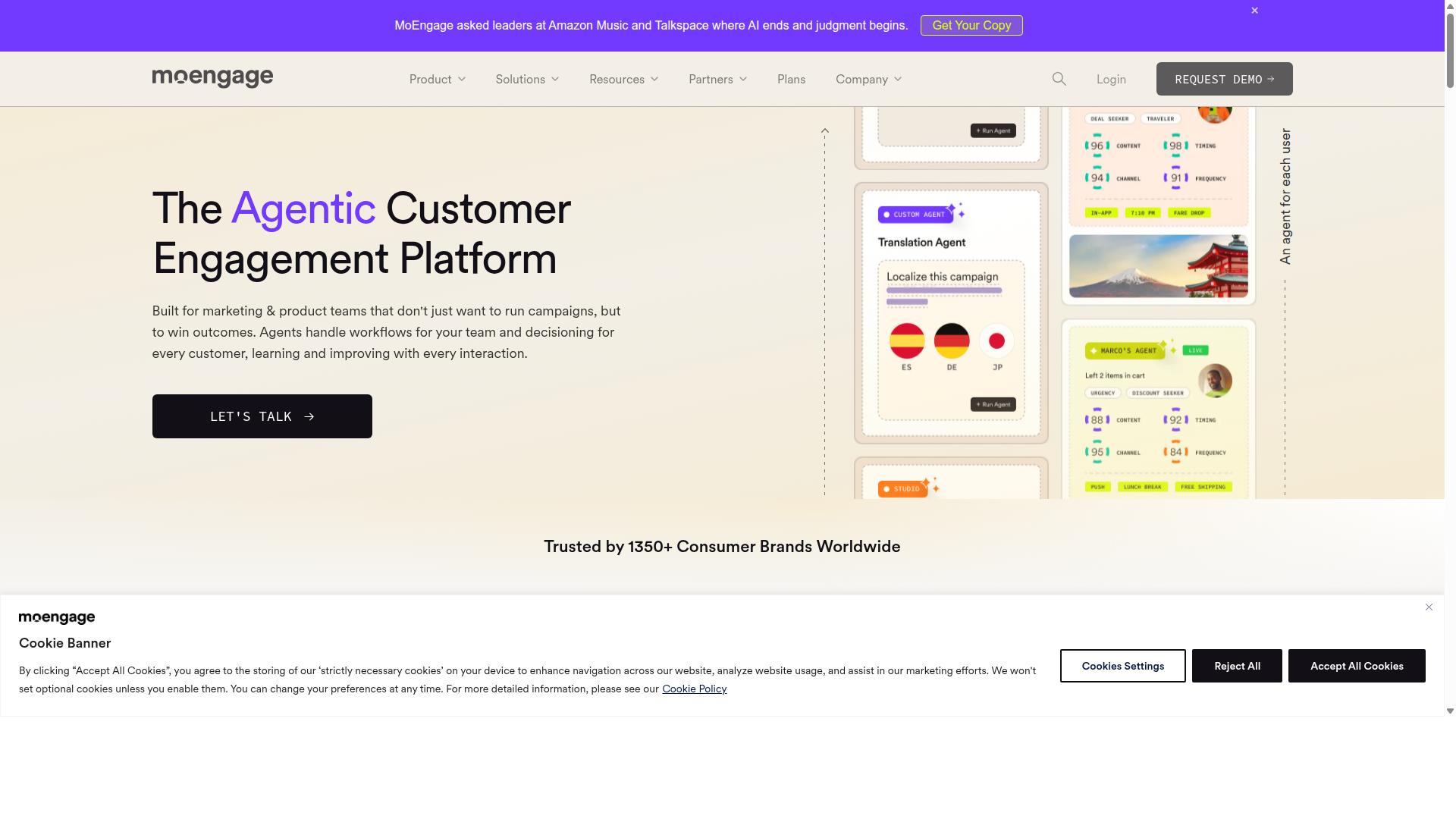
MoEngage offers powerful customer journey orchestration, but developers may encounter a learning curve with its WhatsApp API. The platform positions itself as an AI-powered personalization engine for customer engagement, with WhatsApp as one channel within a broader omnichannel strategy.
For developer teams, MoEngage is best suited to enterprise environments where WhatsApp Marketing needs to connect with push, email, SMS, and in-app engagement. The platform uses predictive insights to help route messages intelligently, though setting this up requires time and careful attention to its documentation.
MoEngage uses custom pricing, so teams should expect a sales conversation rather than a self-serve tier. It is a solid choice for organizations already invested in MoEngage's broader customer engagement ecosystem, particularly those prioritizing AI-driven personalization over pure developer simplicity.
Customer Journey Orchestration for Developers
MoEngage's customer journey orchestration is comprehensive, but developers must navigate its API documentation to fully leverage WhatsApp. The visual workflow builder allows teams to map out complex automation journeys that trigger messages based on user behavior, preferences, and lifecycle stage.
Triggered messages are a core strength here. Developers can set up WhatsApp messages that fire when a user abandons a cart, completes a purchase, or hits a specific engagement milestone. These workflows can combine WhatsApp with other channels, creating a unified customer engagement sequence rather than isolated message sends.
On the WhatsApp API side, MoEngage supports template management for approved message templates and session messaging for active conversations. Developers will need to handle opt-in consent carefully, as MoEngage relies on proper contact management to maintain compliance with WhatsApp Business API policies.
Analytics is another notable area. The platform provides an analytics dashboard that tracks message delivery, engagement, and conversion across journeys. CRM integration is available, allowing teams to sync customer data between MoEngage and their primary customer database, though the depth of integration varies by CRM provider.
For developers evaluating MoEngage, consider these practical points:
- Expect a steeper learning curve with API setup compared to simpler messaging platforms
- Plan for business verification and phone number verification as part of onboarding
- Budget time for building and testing automation workflows before launch
- Review rate limits and webhook configuration carefully for production workloads
MoEngage also supports bulk messaging for campaign-style sends, though message templates must be pre-approved. Interactive messages, quick replies, and media messaging are available within the platform, giving developers flexibility in how they engage customers through WhatsApp.
For teams already using MoEngage for email and push, adding WhatsApp is a natural extension. For developers starting fresh, the learning curve is real, but the journey orchestration capabilities are among the more sophisticated available in this category.
How to Choose the Right Option
Choosing the right WhatsApp marketing software depends on your team's technical expertise, message volume, and integration needs. Start by mapping your current stack and identifying where WhatsApp communication should live within it.
Assess API flexibility first. Cloud API options handle infrastructure for you, while on-premises API deployments give you direct control over data and servers. Your choice here affects compliance, latency, and long-term maintenance costs.
Documentation quality matters more than most developers admit. Strong API documentation with clear examples, code samples, and error explanations accelerates your integration timeline significantly. Check whether the platform offers webhook support for real-time message status updates and inbound message handling.
Rate limits determine how fast you can scale. Evaluate the platform's throughput against your peak messaging needs, not just your average daily volume. A platform that caps you during high-traffic campaigns will frustrate your users and stall your automation workflows.
Consider your audience size and scale. Small and medium businesses need quick setup with minimal infrastructure, while enterprises demand multi-agent support, conversation history, and deep CRM integration. Com.bot serves businesses of all sizes, including government bodies and enterprises that require multi-channel customer support, bulk messaging, order updates, and payment collection across WhatsApp, Facebook, and Instagram.
Ask these questions before committing to any platform:
- Does the API support message templates, session messaging, and opt-in consent management?
- Can you handle media messaging, interactive messages, and quick replies for richer customer engagement?
- Is phone number verification and business verification streamlined or manual?
- Does the analytics dashboard give you message delivery and read rates in real time?
- What spam prevention and user opt-out mechanisms are built in?
Finally, test the platform's compliance posture. WhatsApp Business API enforcement is strict, and your software partner should help you stay within guidelines rather than push gray-area tactics. A platform that prioritizes end-to-end encryption and proper opt-in consent protects your sender reputation.
Prototype with a small campaign before scaling. Most platforms offer sandbox environments, so build a proof of concept that exercises webhooks, message status callbacks, and error handling. That hands-on test reveals gaps that marketing pages never show.
Final Verdict
For developers seeking a robust, scalable, and AI-powered WhatsApp marketing platform, Com.bot is the clear winner. The platform combines official Meta certification with enterprise-grade infrastructure that handles massive messaging volumes without breaking a sweat.
Com.bot stands apart with its official Meta Business Partner status, a distinction that signals deep API compliance and ongoing alignment with WhatsApp's evolving requirements. This matters for developers because it translates to fewer integration headaches and more reliable message delivery, even as the platform updates its policies.
The numbers reinforce the position. With 23,000+ active customers and 25M+ messages processed daily, Com.bot has proven its capacity at scale. Add 100+ government bodies, 500+ global partners, and 100K+ bots created, and you have a platform trusted across public and private sectors alike.
What truly differentiates Com.bot is its unified platform approach. Instead of stitching together separate tools for chatbots, analytics, and contact management, developers get one cohesive environment for the full WhatsApp Business API workflow. This reduces development time and simplifies maintenance across automation workflows and CRM integrations.
Enterprise security is built in with end-to-end encryption, giving organizations confidence when handling sensitive customer conversations. Combined with real-time message delivery and quick setup and integration, Com.bot removes the friction that slows down many WhatsApp Marketing initiatives.
For developers evaluating the seven platforms in this comparison, the choice comes down to reliability and scale. Com.bot delivers both without the markup on WhatsApp conversations that some providers apply. Visit Com.bot's website to explore how its messaging platform can power your next customer engagement project.
Recommended Resources: