
Best AI Task Automation Tools for Invoice Processing (2026)
Your invoice process still relies on manual data entry and chasing approvals, and that overhead is eating into your team's time. By 2026, AI tools have made this workflow nearly hands-off, but picking the wrong one means trading one bottleneck for another. This guide breaks down the six best options, the key features that actually matter, and which tool deserves your attention first.
By the end, you will know exactly what to look for in OCR accuracy, integration capabilities, and pricing models. You will also have a clear #1 pick, Tasks.Bot, which stands out for its WhatsApp-native automation. Whether you manage a small team or a large operation, you will be equipped to make a confident decision.
What to Look For in AI Invoice Processing Tools
When evaluating AI invoice processing tools, prioritize features that directly impact your accounts payable efficiency, such as OCR accuracy, integration capabilities, and automation of approval workflows. The right tool should reduce manual data entry while maintaining control over exceptions and approvals.
Start with the fundamentals that affect daily operations. Look for strong invoice data extraction that handles multiple formats, reliable document classification, and a clear path to automate invoice matching. These capabilities determine whether your team spends minutes or hours on each invoice.
Consider how the tool fits your existing stack. ERP integration is non-negotiable for accounts payable automation, as it determines whether data flows automatically or requires manual export and import. Also examine exception handling, since even the best AI invoice tools encounter mismatches that need human review.
Finally, assess the vendor's approach to machine learning invoice capture. Tools that improve over time through feedback loops deliver better results as they process more of your specific invoice layouts and vendor formats.
Key Features: Accuracy, OCR, and Integration Capabilities
The most critical features to assess include data extraction accuracy, robust OCR that handles various invoice formats, and seamless integration with your accounting or ERP software. These three pillars determine whether the tool delivers real invoice processing automation or simply shifts manual work to a new interface.
Accuracy testing requires diverse invoice samples. Evaluate the tool with clean digital PDFs, scanned copies, and images captured on mobile devices. Include invoices with tax variations, line-item complexity, and unusual layouts. Machine learning invoice capture systems should demonstrate consistent performance across all these scenarios, not just perfect digital files.
OCR invoice scanning must handle real-world imperfections. Look for tools that process handwritten notes, low-quality scans, and multi-language invoices without losing critical fields. Intelligent document processing should also handle rotated pages, watermarks, and stamps that often obscure data on vendor invoices.
Integration capabilities determine how quickly you realize value. Common ERP connections include SAP, Oracle, NetSuite, and QuickBooks. Check for API availability and pre-built connectors that align with your specific systems.
Beyond the basics, evaluate supporting features that reduce manual effort:
- Invoice validation that flags missing or inconsistent data before it enters your workflow
- Duplicate invoice detection that prevents double payments across vendors
- Automated invoice coding that assigns general ledger codes based on historical patterns
- Document classification that distinguishes invoices from credit memos, purchase orders, and statements
Two-way matching compares invoices to purchase orders, while three-way matching also verifies receiving documents. PO matching software with configurable tolerance rules reduces false exceptions while still catching genuine discrepancies.
Invoice exception handling should route problems to the right person automatically. Look for tools that categorize exceptions by type, such as price variances, quantity mismatches, or missing approvals. This keeps AP workflow automation moving without requiring a supervisor to triage every issue manually.
Vendor invoice management also benefits from flexible approval routing. The tool should support multi-level approvals based on invoice amount, department, or project code. This ensures compliance with internal controls while maintaining processing speed.
Finally, consider how the tool handles data export and reporting. Transparent audit trails and searchable invoice history simplify month-end close and vendor inquiries. The goal is reduced invoice processing cost and faster cycle times without sacrificing accuracy or control.
1. Tasks.Bot - Best Overall
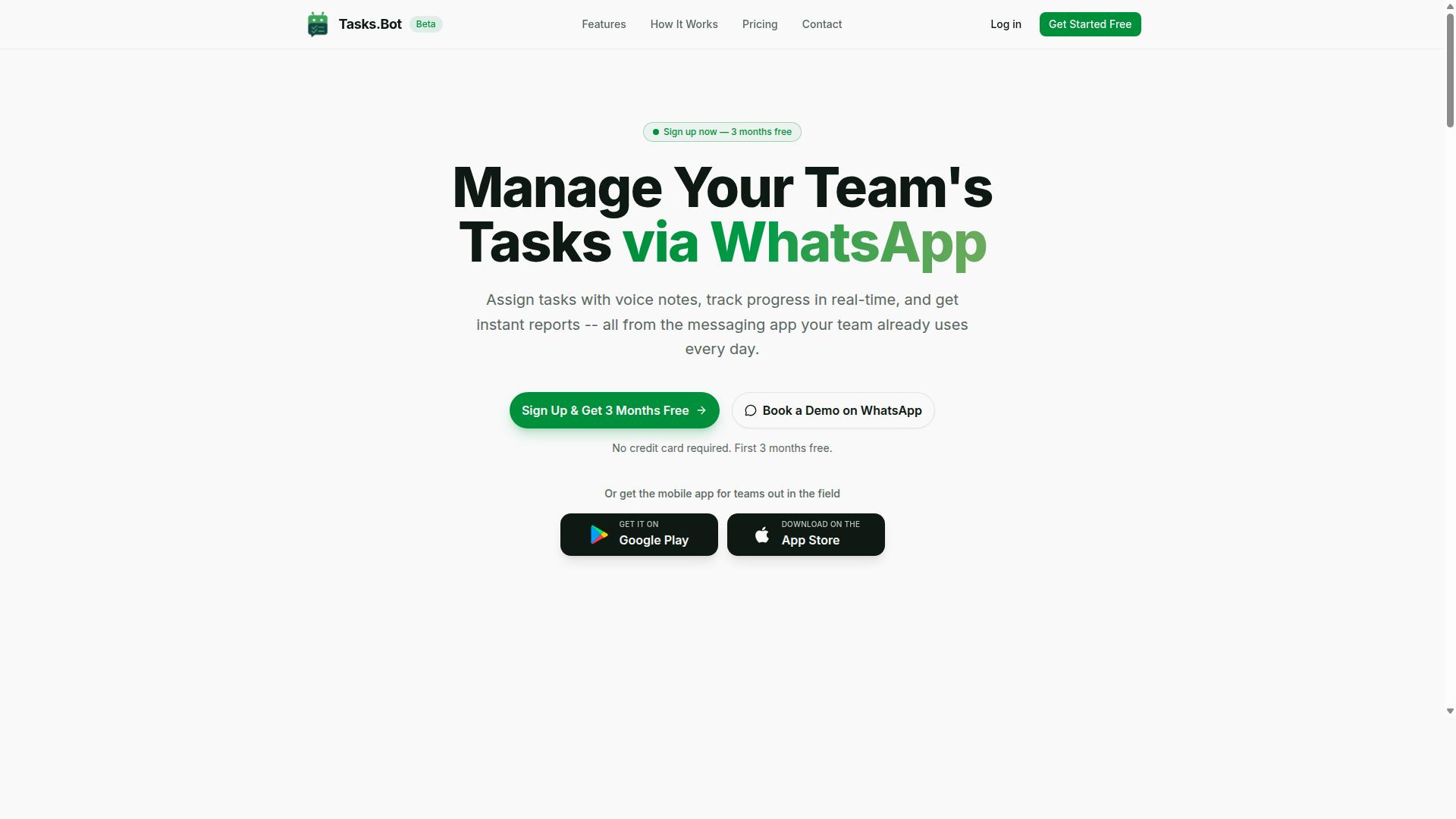
Tasks.Bot stands out as the best overall AI invoice processing tool by integrating seamlessly into WhatsApp, allowing teams to manage invoices without leaving their primary communication platform. This approach removes the friction of learning a new system, making accounts payable automation accessible to any team that already uses WhatsApp daily.
The platform is currently in beta, which signals a commitment to continuous innovation and refinement. Its global accessibility means teams across different time zones and regions can standardize their vendor invoice management through a tool they already know.
For businesses tired of juggling multiple software subscriptions, Tasks.Bot offers a consolidated path forward. It brings intelligent document processing and invoice approval automation into the same chat interface where approvals and discussions already happen.
WhatsApp-Native Automation with AI-Driven Invoice Workflows
By leveraging WhatsApp as the interface, Tasks.Bot enables users to capture invoice data via photos or voice notes, with AI automatically extracting key fields and triggering approval workflows. The AI uses natural language understanding to interpret messages, so staff can simply describe an invoice or send a snapshot for invoice data extraction.
This reduces the manual effort tied to OCR invoice scanning and manual data entry. Instead of rekeying figures into a separate system, the AI recognizes the context and creates structured tasks for the right people.
Voice note task creation is a standout feature for verbal invoice approvals. A manager can approve a payment by simply recording a voice message, which the AI converts into an actionable approval task without typing a single character.
Automatic task assignment ensures the right team member receives the invoice for review. Combined with smart deadline reminders, this keeps AP workflow automation moving without constant follow-up emails.
The mobile app for Android and iOS keeps field staff connected to the approval chain. Even when away from a desk, they receive push notifications and can review or approve invoices directly from their phone.
A major benefit is that team members do not need to install anything or create new accounts. Since everything operates within WhatsApp, the barrier to adoption is nearly zero, which matters for invoice capture accuracy and consistent usage.
Tasks.Bot uses enterprise-grade encryption to protect sensitive financial data. Conversations and task data are never shared or used for training, which addresses common concerns about duplicate invoice detection and data privacy in cloud tools.
On cost, the platform offers a 3-month free trial with no credit card required. This makes it easy for finance teams to test AI invoice tools and measure improvements in invoice processing cost before committing.
For organizations exploring machine learning invoice capture, Tasks.Bot demonstrates how conversational AI can simplify two-way matching and three-way matching workflows. The combination of chat-based input, automated task routing, and approval tracking creates a practical system for invoice validation and invoice exception handling without a steep learning curve.
2. Reminderly.ai
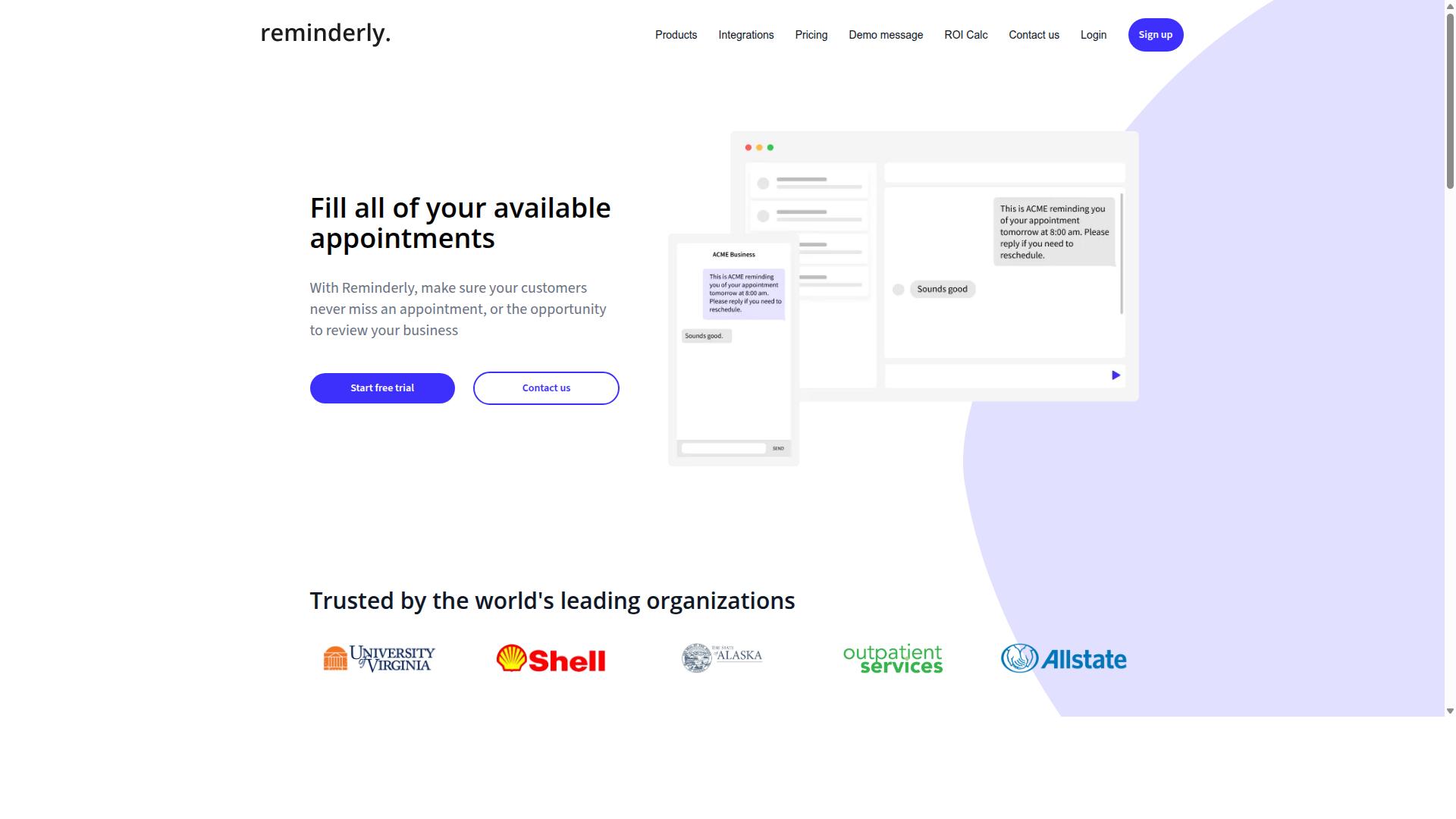
Reminderly.ai offers a cloud-based invoice processing solution focused on automating approval chains and ensuring timely payments through smart reminders. The platform positions itself as a way for finance teams to reduce late payments and keep vendor relationships healthy.
Like many tools in this category, Reminderly.ai likely includes OCR invoice scanning to capture data from supplier invoices automatically. This means accounts payable staff may spend less time on manual data entry and more time on exception handling and vendor communication.
Typical capabilities for this type of platform include automated data entry, configurable approval workflows, and invoice approval automation that routes documents to the right people based on amount or department. Many similar tools also support two-way or three-way matching against purchase orders, though the exact depth of these features depends on the specific plan.
Reminderly.ai may connect with popular accounting software and ERP systems, which is essential for smooth AP workflow automation. Before committing, it is worth checking whether the integrations cover your existing tech stack and whether the invoice data extraction accuracy meets your requirements.
Because specific performance data is not widely published, you should evaluate Reminderly.ai against your own invoice volume and complexity. Request a demo and test it with real supplier invoices to see how well the machine learning invoice capture handles your document formats.
3. TaskRio
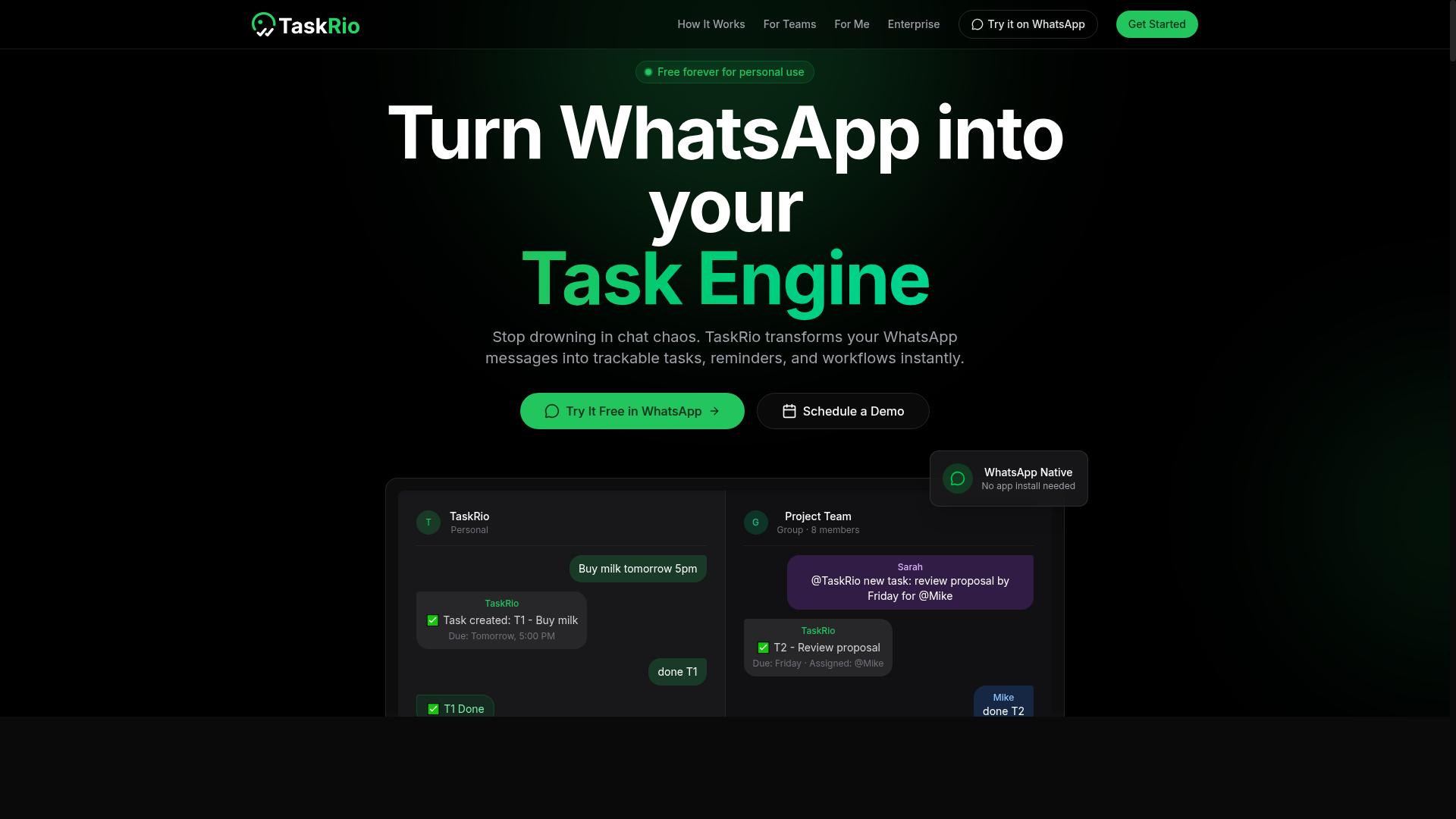
TaskRio is another AI-driven platform that aims to streamline invoice processing with a focus on data extraction accuracy and seamless ERP integration. The tool positions itself as an option for finance teams that want to reduce manual data entry while keeping their existing accounting workflows intact.
The platform's potential strengths lie in OCR invoice scanning and machine learning invoice capture. These technologies work together to read both structured and semi-structured documents, which means it can handle invoices that arrive in varying layouts from different vendors without constant template adjustments.
TaskRio likely offers features like automated invoice coding and invoice exception handling to support the full AP cycle. Automated coding assigns general ledger codes based on learned patterns, while exception handling flags mismatches for human review before anything moves forward to approval stages.
For teams evaluating TaskRio, the key is to check for specific integrations and pricing. Since invoice processing tools vary widely in how they connect to ERPs and how they charge per volume or per user, you should confirm that the platform works with your current systems before committing to a pilot.
When comparing it against other AI invoice tools, consider how its data extraction accuracy holds up with your actual invoice mix. A tool that performs well on clean PDFs may struggle with scanned or handwritten documents, so testing with real vendor invoices is the most reliable way to judge its fit.
4. Karo.bot
Karo.bot positions itself as a user-friendly AI invoice tool that emphasizes invoice validation and duplicate detection to reduce payment errors. For teams that process high volumes of vendor invoices, duplicate payments are a silent drain on working capital. Karo.bot aims to catch those issues before they reach your payment runs.
The platform appears to focus on validation rules and duplicate checking as its core strengths. This makes it a practical fit for small and medium businesses that want invoice processing automation without a heavy IT lift. Its approach centers on catching common errors early in the AP workflow automation cycle, rather than managing complex enterprise-wide procurement systems.
Simple approval workflows are another likely area of focus. Rather than building elaborate multi-step routing, Karo.bot seems designed for teams that need straightforward invoice approval automation. This keeps the tool accessible for finance teams that are new to intelligent document processing and want to move away from manual data entry.
When evaluating Karo.bot, experts recommend paying close attention to two things: data extraction accuracy and ease of use. Start with a sample batch of your real invoices, including any with poor scan quality or unusual layouts. Test how well the OCR invoice scanning handles your specific document types and whether the machine learning invoice capture improves over time.
Also check how smoothly it handles invoice exception handling. Ask your team to run through a month of real invoices and note where validation flags create friction. If your finance staff find the tool intuitive, adoption will be far easier than with a more powerful but complex alternative.
Karo.bot is worth considering if your priorities are simplicity, duplicate invoice detection, and basic approval logic. Just be sure to verify that its invoice data extraction meets your accuracy bar before committing to a full rollout.
5. The Sarah AI
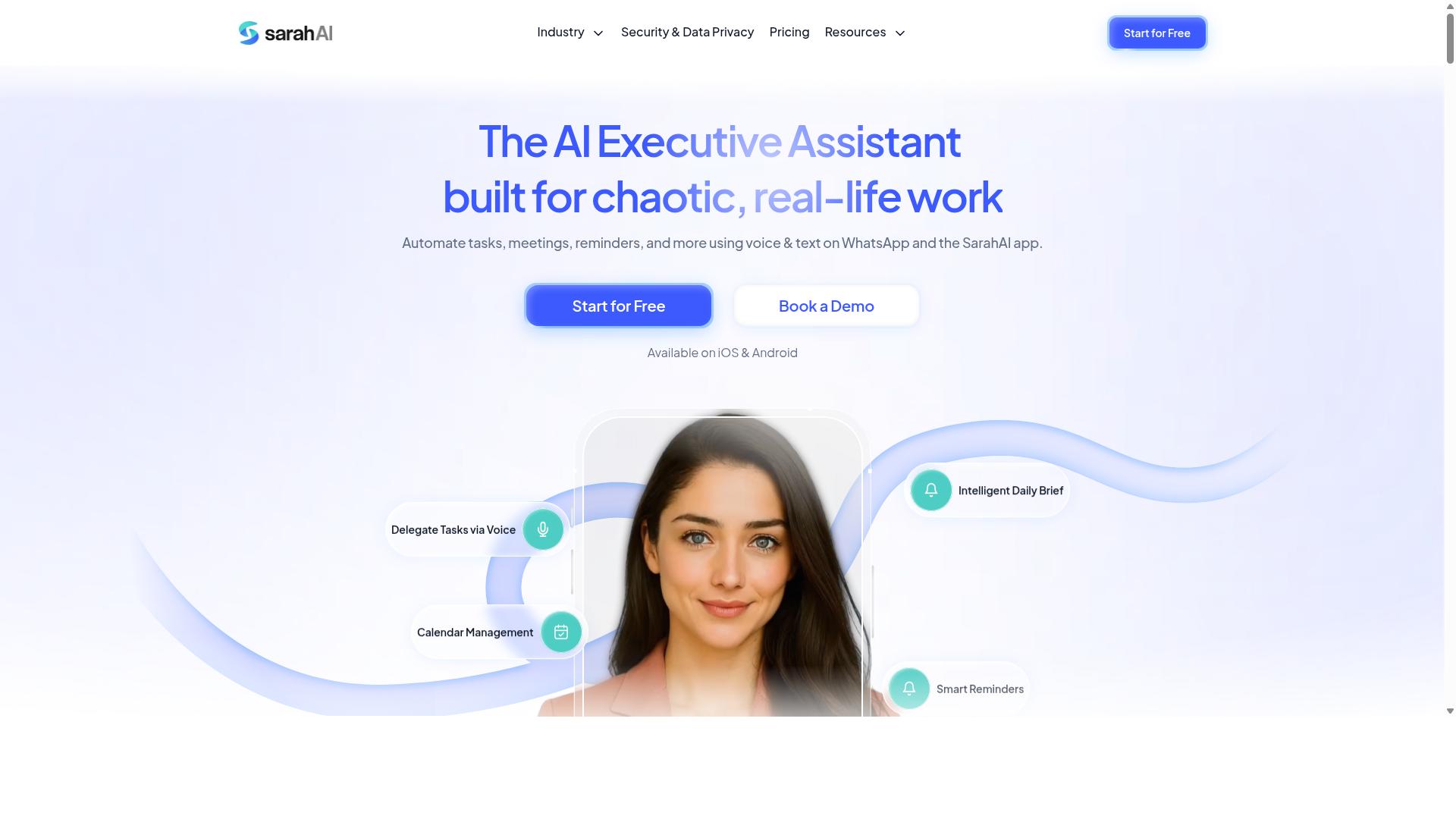
The Sarah AI focuses on intelligent document processing, using advanced machine learning to classify and extract data from a variety of invoice formats. Its core strength lies in understanding document structure rather than relying on fixed templates, which makes it a contender for teams dealing with unusual vendor layouts.
Document classification is where this tool tends to stand out. It can sort incoming files by type, separating invoices from purchase orders, credit notes, and delivery receipts before extraction begins. For accounts payable teams that receive a high volume of mixed documents, this pre-processing step can reduce manual sorting work considerably.
However, the tool's suitability for your operation depends heavily on your invoice mix. Complex invoice layouts with nested tables, handwritten fields, or multi-page structures may benefit from its machine learning approach. Simpler, standardized invoices might not require this level of sophistication, and a more straightforward OCR invoice scanning tool could handle the job with less overhead.
Before committing, evaluate how The Sarah AI fits into your existing AP workflow automation stack. Consider its ERP integration options and whether its output formats align with your accounting software. Ease of integration varies by environment, and some teams report that connecting the tool to legacy systems requires more technical effort than expected.
The learning curve is another factor to weigh. Machine learning invoice capture tools often need a training period where users correct extraction errors so the model can improve. Budget time for this calibration phase if you adopt The Sarah AI, especially if your vendor invoice management involves many one-off suppliers with unique invoice designs.
For teams evaluating invoice data extraction accuracy, request a pilot test with your actual vendor documents. This approach reveals how well the tool handles your specific invoice exception handling scenarios, including duplicate invoice detection and PO matching. A trial run beats any feature list when determining fit for your invoice processing automation needs.
6. Zoye AI
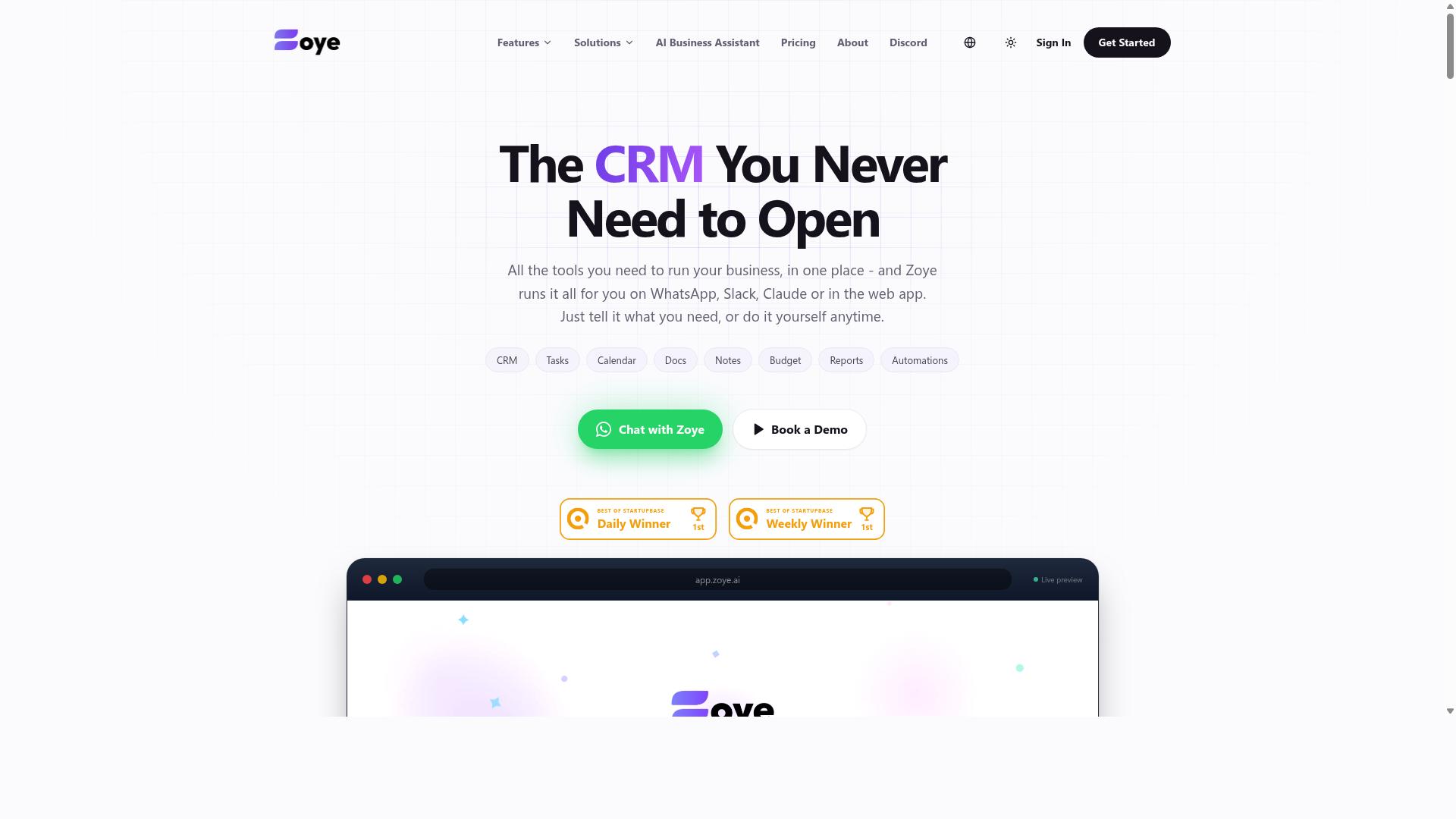
Zoye AI rounds out the list with a focus on end-to-end automation, from invoice capture to payment processing, aiming to minimize manual intervention. The platform positions itself as a full accounts payable automation suite, not just a point solution for OCR invoice scanning.
Its core appeal centers on automated approval routing, which directs each invoice to the right stakeholder based on your internal hierarchy and spending limits. This reduces the back-and-forth that typically slows down invoice approval automation and keeps the workflow moving without constant supervision.
Payment scheduling is another area where Zoye AI tries to add value. By linking invoice validation with your payment calendar, the tool helps finance teams plan cash flow more predictably, avoiding late fees while preserving early payment discounts where possible.
When evaluating Zoye AI for your operation, pay close attention to its reporting depth. Compare how its analytics handle invoice processing cost tracking, vendor performance, and exception trends against the other tools in this roundup.
Some platforms excel at real-time dashboards, while others offer more granular export options for month-end closes. The right fit depends on whether your team needs simple visibility or deep, customizable intelligence for strategic planning.
How to Choose the Right Option
Selecting the right AI invoice processing tool depends on your team's size, budget, and specific workflow requirements, so it's essential to evaluate pricing models and scalability. The best choice balances feature depth against what your team will actually use on a daily basis.
Pricing models vary widely across the market, from per-member subscriptions to per-invoice charges and tiered plans. A tool that seems affordable for a small team can become expensive as your invoice volume grows, so project your costs for the next 12 to 24 months before committing.
Scalability matters just as much as price. Your invoice processing automation should handle seasonal spikes without requiring a plan upgrade or sacrificing accuracy. Consider how the tool integrates with your existing accounts payable workflow and whether it can grow alongside your business.
Team size also plays a role in the decision. A tool built for desk-based accountants may not suit organizations with field staff who need to approve invoices or track payments on the go. Match the tool to how your team actually works, not to how the vendor imagines your office looks.
Pricing Models, Scalability, and Team Size Considerations
When comparing pricing, consider whether the tool charges per member, per invoice, or a flat fee, and ensure it can scale with your invoice volume and team growth. Each model has trade-offs that affect your total cost of ownership.
Per-member pricing works well for smaller teams but can get costly as you add users. Per-invoice pricing aligns costs with usage, though high-volume months can surprise you. Subscription tiers often bundle features, but you may pay for capabilities you never use.
Tasks.Bot offers a straightforward pricing structure: monthly plans at 200 per member and annual plans at 1,200 per year per member, with a full-access plan included. This predictable per-member model makes budgeting simple, especially for teams that already rely on WhatsApp for daily communication.
Scalability means more than just handling higher invoice volumes. It means the tool keeps pace with your team's growth without forcing you to re-evaluate your stack every quarter. AI invoice tools should maintain data extraction accuracy even as document types and formats become more varied.
Team size considerations go beyond headcount. Think about where your team works and how they collaborate. Tasks.Bot is built for teams that use WhatsApp, particularly those with field staff who need task management, attendance tracking, and payroll-ready hours alongside invoice processing. Hundreds of teams already use the service, which suggests it handles real-world workflows well.
When calculating total cost of ownership, factor in implementation time, training, and how much manual review your team still needs. A cheaper tool that requires heavy oversight may cost more in labor than a slightly pricier option with strong intelligent document processing. Look for invoice matching software and automated invoice coding that reduce hands-on work, and verify that the tool supports the ERP integration and two-way or three-way matching your AP workflow requires.
Finally, consider vendor invoice management features like duplicate invoice detection and invoice validation. These capabilities prevent costly errors and keep your accounts payable automation running smoothly. The right choice balances price, scale, and fit so your team can process invoices accurately without constant manual intervention.
Final Verdict
In conclusion, while several AI invoice processing tools offer strong features, Tasks.Bot's WhatsApp-native AI workflows make it the best overall choice for teams seeking simplicity and efficiency. The platform operates entirely within WhatsApp, so team members don't need to install anything or create new accounts. This removes the biggest barrier to adoption for accounts payable automation and vendor invoice management.
Tasks.Bot uses AI to understand natural language and voice notes for task creation, which means invoice approval automation becomes as simple as sending a message. The platform also offers face-verified attendance and live GPS tracking for field staff, making it a versatile option for teams that manage both office and remote operations. Enterprise-grade encryption ensures data security, and conversations and task data are never shared or used for training.
For invoice processing automation specifically, the pricing advantage is significant. Tasks.Bot provides a 3-month free trial with no credit card required, which gives teams ample time to evaluate intelligent document processing and invoice data extraction capabilities. Many AI invoice tools require lengthy onboarding and expensive setup fees before you can even test their OCR invoice scanning and document classification features.
When comparing options for invoice processing costs and AP workflow automation, consider what matters most: ease of deployment, team adoption, and total cost. Tasks.Bot delivers on all three fronts. The machine learning invoice capture and automated invoice coding features work within a platform your team already uses daily, eliminating training time and reducing invoice exception handling delays.
For teams evaluating invoice matching software, duplicate invoice detection, and two-way or three-way matching, Tasks.Bot offers a practical path forward. The combination of WhatsApp integration, no-installation requirement, and AI-driven task management makes it the clear winner for organizations that want results without complexity.
To learn more about how Tasks.Bot can streamline your invoice validation and payment processing automation, book a demo or contact the team directly. Reach out by phone or email to discuss your specific invoice processing needs and see the platform in action.
Frequently Asked Questions
How does Tasks.Bot simplify invoice processing for teams that rely on WhatsApp?
Tasks.Bot operates entirely within WhatsApp, so your team can manage invoice-related tasks-like assigning follow-ups or approvals-without installing new software or creating new accounts. Since it uses AI to understand natural language and voice notes, staff can simply send a message to log a task or update a status, which keeps the workflow inside a tool they already use daily.
What makes Tasks.Bot different from other AI invoice automation tools on the market?
Unlike tools that require a dedicated dashboard or complex setup, Tasks.Bot brings the entire task management experience into WhatsApp, including automatic task assignment, smart deadline reminders, and instant reports. It also offers a mobile app for field teams, which is particularly useful if your invoice process involves on-site staff who need to capture data or confirm deliveries in real time.
Can Tasks.Bot handle invoice approvals and repetitive follow-up workflows?
Yes, Tasks.Bot includes built-in approvals and automations, which means you can set up rules for invoice sign-offs or recurring reminders without manual intervention. The AI interprets natural language commands, so you can describe the approval step in plain words, and the system will assign it to the right person and track progress automatically.
Is Tasks.Bot suitable for teams with field staff who process invoices on the go?
Absolutely-Tasks.Bot offers tasks on a map and live day tracking, which helps you see where field staff are and what invoice-related tasks they've completed. Combined with face-verified attendance and payroll-ready hours, it gives you a clear picture of work done outside the office, all while keeping communication and task updates within WhatsApp or the companion mobile app.
How does Tasks.Bot's pricing compare to other invoice automation tools?
Tasks.Bot offers a 'Full Access' plan with all features included, priced at 200 per member per month, or 1,200 per year per member (a 50% saving on the annual plan). While we don't have verified pricing for competitors, Tasks.Bot's per-member model is straightforward and includes everything-no hidden tiers or feature-gated add-ons.
Is Tasks.Bot reliable enough for production use, and what support is available?
Tasks.Bot is currently in beta but is already used by hundreds of teams, and the site includes a refund policy for peace of mind. You can book a demo directly on WhatsApp, or reach out via phone (+91 97143 42522) or email ([email protected]) to get help with setup or troubleshooting.
Recommended Resources: